
Key Takeaways:
FEA Software:
Finite Element Analysis (FEA) software is used to simulate and analyze the behavior of components and structures under various loading and environmental conditions. It helps engineers evaluate stress, deformation, thermal effects, vibration, fatigue, and structural performance before manufacturing.
Popular FEA Software:
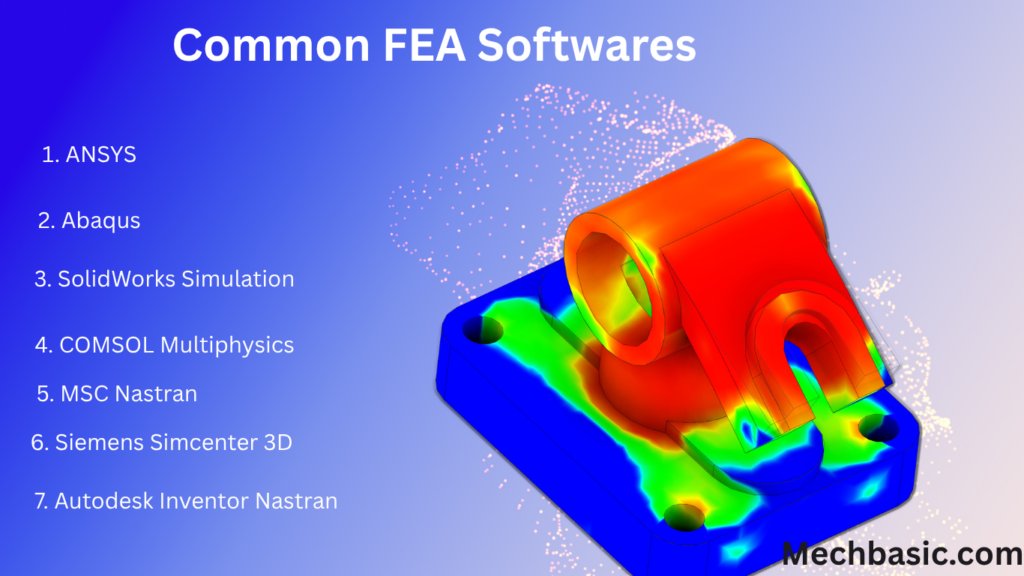
- ANSYS – Comprehensive structural, thermal, fluid, and electromagnetic analysis.
- Abaqus – Advanced nonlinear and complex material behavior analysis.
- SolidWorks Simulation – Integrated FEA for SolidWorks CAD models.
- COMSOL Multiphysics – Multiphysics simulation involving structural, thermal, electrical, and fluid interactions.
- MSC Nastran – High-performance structural and dynamic analysis.
- Altair HyperWorks (OptiStruct) – Structural analysis and design optimization.
- Autodesk Inventor Nastran – Stress, vibration, thermal, and fatigue analysis for Inventor users.
- Siemens Simcenter 3D – Advanced simulation integrated with Siemens NX.
Applications of FEA Software:
FEA software is widely used in the automotive, aerospace, civil, mechanical, biomedical, energy, and manufacturing industries for product design validation, structural analysis, thermal analysis, vibration analysis, fatigue life prediction, and optimization.
Advantages of FEA Software:
FEA software reduces the need for physical prototypes, improves product reliability, identifies design weaknesses early, shortens development time, lowers manufacturing costs, and enhances product safety and performance.
In this article:
FEA Software
Introduction
Finite Element Analysis (FEA) software is a computer application used to simulate and analyze how engineering components, products, and structures respond to various physical conditions such as forces, pressure, temperature, vibration, impact, and fluid flow. It uses the Finite Element Method (FEM) to divide complex models into smaller elements, enabling engineers to perform accurate numerical analysis and predict real-world behavior before manufacturing.
FEA software has become an essential tool in modern engineering because it reduces the need for costly physical prototypes, shortens product development time, improves product quality, and enhances safety. It is widely used in industries such as mechanical engineering, civil engineering, aerospace, automotive, biomedical, marine, electronics, energy, and manufacturing.
What is FEA Software?
FEA software is a simulation program that applies the Finite Element Method (FEM) to solve engineering problems involving stress, strain, deformation, heat transfer, vibration, fatigue, buckling, and other physical phenomena.
The software converts a CAD model into a mesh of small finite elements, applies material properties, loads, and boundary conditions, and solves mathematical equations to predict the behavior of the complete structure.
FEA software helps engineers:
- Evaluate product performance before manufacturing
- Detect design weaknesses
- Optimize component geometry
- Improve product reliability
- Reduce development costs
- Increase safety
- Minimize material usage
How FEA Software Works
The general workflow of FEA software includes:
- Create or import a CAD model.
- Assign material properties.
- Generate a mesh by dividing the model into finite elements.
- Apply loads and boundary conditions.
- Select the analysis type.
- Solve the mathematical model.
- View and interpret the results using graphical post-processing tools.
Popular FEA Software
Many commercial and open-source FEA programs are available, each offering specialized capabilities.
1. ANSYS
ANSYS is one of the world’s most widely used FEA software packages.
Features
- Structural analysis
- Thermal analysis
- Fluid dynamics (CFD)
- Electromagnetic simulation
- Multiphysics analysis
- Fatigue analysis
Applications
- Aerospace
- Automotive
- Mechanical engineering
- Power plants
Ansys Mechanical: Flagship finite element analysis suite for advanced structural, thermal, and dynamic simulations.
2. Abaqus
Abaqus is well known for advanced nonlinear simulations.
Features
- Nonlinear structural analysis
- Contact analysis
- Composite material simulation
- Crash analysis
- Fatigue prediction
Applications
- Automotive
- Aerospace
- Biomedical engineering
Abaqus / SIMULIA: Industrial-grade solver by Dassault Systèmes specialized in highly non-linear structural, contact, and material failure analysis.
3. SolidWorks Simulation
Integrated directly with SolidWorks CAD software.
Features
- Static analysis
- Thermal analysis
- Fatigue analysis
- Frequency analysis
- Motion simulation
Applications
- Product development
- Machine design
- Mechanical engineering
SOLIDWORKS Simulation: CAD-embedded FEA software for design validation, linear statics, and dynamic response.
4. COMSOL Multiphysics
Designed for solving multiple coupled physics problems.
Features
- Heat transfer
- Structural mechanics
- Fluid flow
- Electromagnetics
- Chemical engineering simulations
Applications
- Research
- Electronics
- Biomedical engineering
- Energy systems
5. MSC Nastran
Widely used in aerospace and structural engineering.
Features
- Linear static analysis
- Dynamic analysis
- Modal analysis
- Buckling analysis
- Thermal analysis
6. Siemens Simcenter 3D
Provides advanced simulation and product validation tools.
Features
- Structural simulation
- Thermal analysis
- Vibration analysis
- Fatigue analysis
- Multiphysics capabilities
7. Autodesk Inventor Nastran
Integrated with Autodesk Inventor.
Features
- Static stress analysis
- Thermal simulation
- Frequency analysis
- Buckling analysis
Suitable for product designers and mechanical engineers.
8. Altair HyperWorks (OptiStruct)
Known for optimization and lightweight design.
Features
- Structural optimization
- Topology optimization
- Fatigue analysis
- Crash simulation
9. LS-DYNA
Specialized in highly dynamic simulations.
Features
- Impact analysis
- Crash simulation
- Blast analysis
- Metal forming simulation
Applications
- Automotive safety
- Defense
- Aerospace
10. Fusion 360 Simulation
Cloud-based CAD and simulation software.
Features
- Static analysis
- Thermal analysis
- Modal analysis
- Shape optimization
Ideal for students, startups, and small businesses.
11. Open-Source FEA Software
Examples include:
- CalculiX
- Code_Aster
- Elmer FEM
- FreeCAD FEM Workbench
These are widely used for education, research, and cost-effective engineering analysis.
Applications of FEA Software
FEA software is used in numerous engineering fields.
Mechanical Engineering
- Shaft design
- Gear analysis
- Pressure vessels
- Springs
- Bearings
- Machine frames
Civil Engineering
- Buildings
- Bridges
- Dams
- Towers
- Foundations
Aerospace Engineering
- Aircraft wings
- Jet engines
- Landing gear
- Rocket structures
Automotive Engineering
- Vehicle chassis
- Suspension systems
- Brake components
- Engine parts
- Crash safety analysis
Biomedical Engineering
- Artificial joints
- Dental implants
- Bone plates
- Prosthetic devices
Manufacturing
- Casting simulation
- Welding analysis
- Metal forming
- Injection molding
- Tool design
Marine Engineering
- Ship hull analysis
- Offshore platforms
- Marine propellers
Energy Industry
- Wind turbine blades
- Boilers
- Steam turbines
- Pipelines
- Nuclear reactor components
Electronics
- Heat dissipation in electronic devices
- PCB thermal management
- Semiconductor packaging
Advantages of FEA Software
1. Reduces Development Cost
Virtual testing minimizes the number of expensive physical prototypes required.
2. Saves Time
Designs can be tested and modified rapidly without manufacturing actual components.
3. Improves Product Quality
Engineers can identify weak areas and optimize designs before production.
4. Enhances Safety
FEA predicts failure points, helping engineers design safer products.
5. Supports Complex Designs
Intricate geometries that are difficult to analyze manually can be simulated accurately.
6. Optimizes Material Usage
Material can be reduced while maintaining strength, resulting in lighter and more economical products.
7. Performs Multiple Types of Analysis
FEA software can perform:
- Structural analysis
- Thermal analysis
- Dynamic analysis
- Fatigue analysis
- Buckling analysis
- Modal analysis
- Nonlinear analysis
- Multiphysics simulation
8. Improves Decision-Making
Simulation results help engineers compare different design options and make informed decisions.
9. Shortens Product Development Cycle
Virtual testing accelerates product design and reduces time to market.
10. Integrates with CAD Software
Most FEA software integrates seamlessly with popular CAD programs, allowing direct import and analysis of design models.
Key Features of FEA Software
- CAD model import and integration
- Automatic and manual mesh generation
- Material property libraries
- Multiple analysis types
- Load and boundary condition definition
- High-performance solvers
- Graphical result visualization
- Animation of deformation and stress
- Design optimization tools
- Report generation
Comparison of Popular FEA Software
| Software | Major Strength | Typical Applications |
|---|---|---|
| ANSYS | Multiphysics simulation | Aerospace, automotive, mechanical |
| Abaqus | Advanced nonlinear analysis | Crash, composites, biomedical |
| SolidWorks Simulation | CAD-integrated analysis | Product design, machine components |
| COMSOL Multiphysics | Coupled physics simulations | Research, electronics, energy |
| MSC Nastran | Structural analysis | Aerospace, civil engineering |
| Siemens Simcenter 3D | Product validation | Automotive, aerospace |
| Autodesk Inventor Nastran | CAD integration | Mechanical design |
| Altair HyperWorks | Optimization | Lightweight structures |
| LS-DYNA | Impact and crash analysis | Automotive safety, defense |
| Fusion 360 Simulation | Cloud-based simulation | Education, startups, product design |
Best Practices for Using FEA Software
- Use accurate CAD geometry.
- Assign correct material properties.
- Create a high-quality mesh.
- Apply realistic loads and boundary conditions.
- Perform mesh convergence studies.
- Validate results with analytical calculations or experiments.
- Interpret results using sound engineering judgment.
Frequently Asked Questions (FAQs)
1. What is FEA software?
FEA software is a computer program that uses the Finite Element Method (FEM) to simulate and analyze how engineering components respond to loads, temperature, vibration, and other physical conditions.
2. Why is FEA software important?
It helps engineers predict product performance, identify design weaknesses, reduce development costs, improve safety, and minimize the need for physical prototypes.
3. Which industries use FEA software?
FEA software is widely used in mechanical, civil, aerospace, automotive, biomedical, marine, electronics, energy, and manufacturing industries.
4. What is the most widely used FEA software?
Some of the most widely used FEA software packages include ANSYS, Abaqus, SolidWorks Simulation, COMSOL Multiphysics, and MSC Nastran.
5. Can FEA software perform thermal analysis?
Yes. Most modern FEA software supports thermal analysis, including heat transfer, temperature distribution, and thermal stress calculations.
6. Does FEA software replace physical testing?
No. FEA significantly reduces the need for prototypes, but physical testing is still necessary to validate simulation results, especially for critical applications.
7. What types of analyses can FEA software perform?
FEA software can perform structural, thermal, dynamic, modal, buckling, fatigue, nonlinear, and multiphysics analyses.
8. Is FEA software suitable for beginners?
Yes. Programs such as Fusion 360 Simulation, SolidWorks Simulation, and FreeCAD FEM are often considered beginner-friendly, while software like ANSYS and Abaqus is better suited for advanced users and complex simulations.
9. What factors affect the accuracy of FEA results?
Accuracy depends on mesh quality, material properties, boundary conditions, load definitions, solver settings, and engineering assumptions.
10. Can FEA software integrate with CAD software?
Yes. Most modern FEA software integrates directly with popular CAD applications, allowing engineers to import models and perform simulations efficiently.
Conclusion
FEA software is an essential tool in modern engineering, enabling engineers to analyze and optimize designs before manufacturing. By using the Finite Element Method (FEM), these programs simulate real-world conditions such as stress, deformation, temperature, vibration, and fatigue, helping identify potential design issues early in the development process. Popular software packages like ANSYS, Abaqus, SolidWorks Simulation, COMSOL Multiphysics, and MSC Nastran provide powerful analysis capabilities across a wide range of industries. With advantages such as reduced development costs, improved product quality, faster design cycles, and enhanced safety, FEA software has become indispensable for creating reliable, efficient, and innovative engineering solutions.
Latest articles:

Best Budget Workstation Laptops for SolidWorks and Heavy 3D Assembly Modeling
Best Budget Workstation Laptops for SolidWorks and Heavy 3D Assembly Modeling Overview What Does SOLIDWORKS…
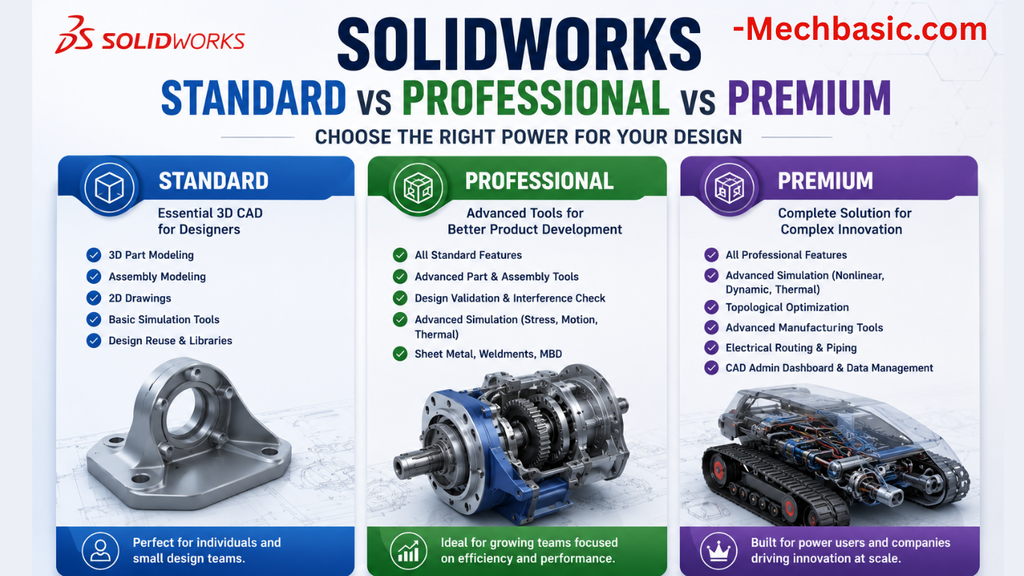
SolidWorks Standard vs Professional vs Premium: Full Feature Comparison
SolidWorks Standard vs Professional vs Premium: Full Feature Comparison Overview: SOLIDWORKS Package Overview SOLIDWORKS comes…
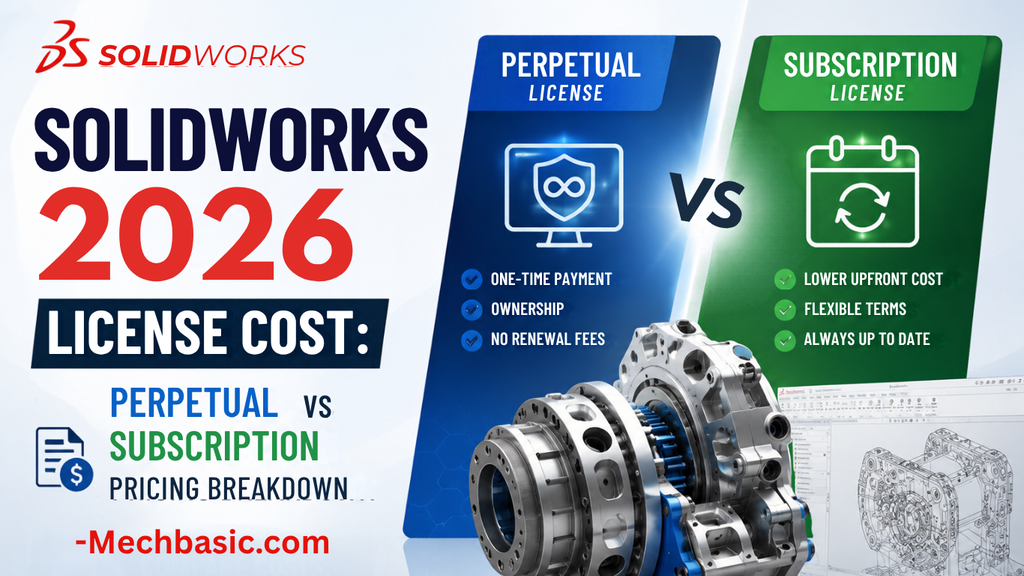
SolidWorks 2026 License Cost: Perpetual vs Subscription Pricing Breakdown
SolidWorks 2026 License Cost: Perpetual vs Subscription Pricing Breakdown Overview: SOLIDWORKS 2026 License Options SOLIDWORKS…

Flatness-GD&T | GD&T Tutorials

ANSI vs ISO Standards-Key Differences you need to know

Straightness-GD&T | GD&T Tutorials
Categories:




















