
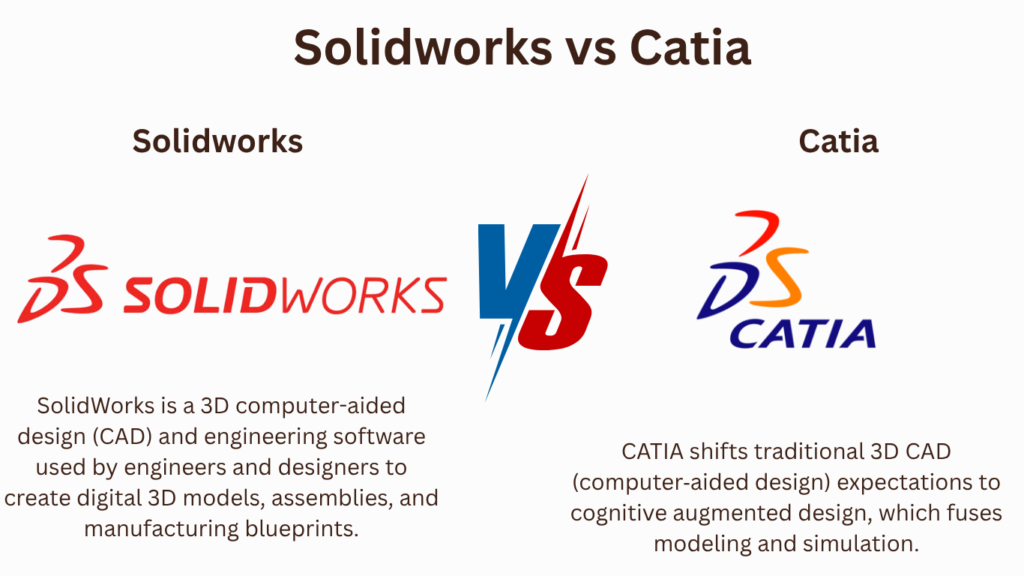
Key Takeaways:
CATIA vs. SOLIDWORKS
CATIA
CATIA is an advanced 3D CAD, CAE, and product development platform developed by Dassault Systèmes. It is widely used for complex mechanical design, surface modeling, aerospace, automotive, and large-scale engineering projects.
SOLIDWORKS
SOLIDWORKS is a 3D CAD platform focused on mechanical part design, assemblies, engineering drawings, simulation, and product development. It is generally easier to learn and is widely used by mechanical engineers and designers.
| Feature | CATIA | SOLIDWORKS |
|---|---|---|
| 3D Modeling | ⭐⭐⭐⭐⭐ | ⭐⭐⭐⭐⭐ |
| Mechanical Design | ⭐⭐⭐⭐⭐ | ⭐⭐⭐⭐⭐ |
| Surface Modeling | ⭐⭐⭐⭐⭐ | ⭐⭐⭐⭐ |
| Complex Products | ⭐⭐⭐⭐⭐ | ⭐⭐⭐⭐ |
| Assembly Design | ⭐⭐⭐⭐⭐ | ⭐⭐⭐⭐⭐ |
| 2D Drawings | ⭐⭐⭐⭐⭐ | ⭐⭐⭐⭐⭐ |
| FEA/Simulation | ⭐⭐⭐⭐⭐ | ⭐⭐⭐⭐ |
| Large Assemblies | ⭐⭐⭐⭐⭐ | ⭐⭐⭐⭐ |
| Ease of Learning | More difficult | Easier |
| Industry Use | Aerospace & automotive | General mechanical/product design |
| Cost | Higher | Lower |
Applications
CATIA → Aerospace, automotive, aircraft structures, complex surfaces, shipbuilding, industrial equipment, and advanced product development.
SOLIDWORKS → Machine design, automotive components, robotics, consumer products, manufacturing, sheet metal, and general mechanical engineering.
Which Should You Learn?
Beginner → SOLIDWORKS
Mechanical Design → SOLIDWORKS
Aerospace → CATIA
Automotive → CATIA
Complex Surface Modeling → CATIA
Machine Design → SOLIDWORKS
Easy to Learn → SOLIDWORKS
Advanced Product Development → CATIA
Key Takeaway
CATIA → Advanced CAD + Complex Surfaces + Aerospace/Automotive
SOLIDWORKS → Mechanical CAD + Easy Learning + Product Design
For a mechanical engineering student: start with SOLIDWORKS to build strong fundamentals, then learn CATIA if you want to target automotive or aerospace design jobs.
In this article:
CATIA vs. SOLIDWORKS
CATIA and SOLIDWORKS are professional CAD platforms widely used for 3D modeling, mechanical design, assemblies, engineering drawings, product development, and manufacturing.
Both are developed by Dassault Systèmes, but they target somewhat different engineering requirements.
- CATIA is focused strongly on advanced product development, complex surfaces, large assemblies, and high-end engineering applications.
- SOLIDWORKS is known for its user-friendly mechanical design workflow, parametric modeling, and broad use in mechanical engineering and manufacturing.
CATIA
CATIA is an advanced CAD, engineering, and product-development platform used for designing complex products and systems.
It is particularly powerful for:
- Advanced 3D modeling
- Complex surface design
- Large assemblies
- Product engineering
- Aerospace design
- Automotive design
- Systems engineering
Key Features
- Advanced parametric modeling
- Surface modeling
- Generative shape design
- Assembly design
- Sheet-metal design
- Drafting
- Generative engineering
- Product lifecycle integration
- Systems engineering
- Large-product development
Best For
CATIA is particularly suitable for:
- Aerospace
- Automotive
- Aircraft
- Complex industrial products
- Large engineering organizations
- Advanced product development
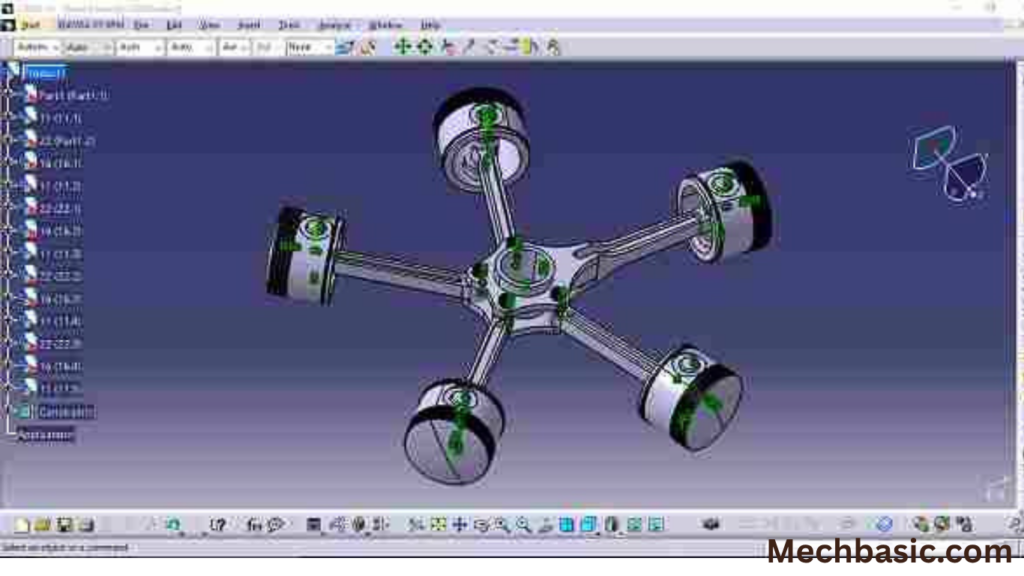
Dassault Systèmes CATIA Official Page: Official overview of CATIA’s advanced shape design, systems engineering, multi-disciplinary engineering, and 3DEXPERIENCE integration.
SOLIDWORKS
SOLIDWORKS is a popular 3D mechanical CAD platform used for designing parts, assemblies, and manufacturing documentation.
It provides a relatively straightforward workflow for learning and creating parametric mechanical designs.
Key Features
- 3D part modeling
- Assembly design
- Engineering drawings
- Sheet metal
- Weldments
- Surface modeling
- Simulation
- Rendering
- Configurations
- Manufacturing documentation
Best For
SOLIDWORKS is particularly suitable for:
- Mechanical engineering
- Machine design
- Product design
- Manufacturing
- Industrial equipment
- Engineering services
- Small and medium-sized design teams
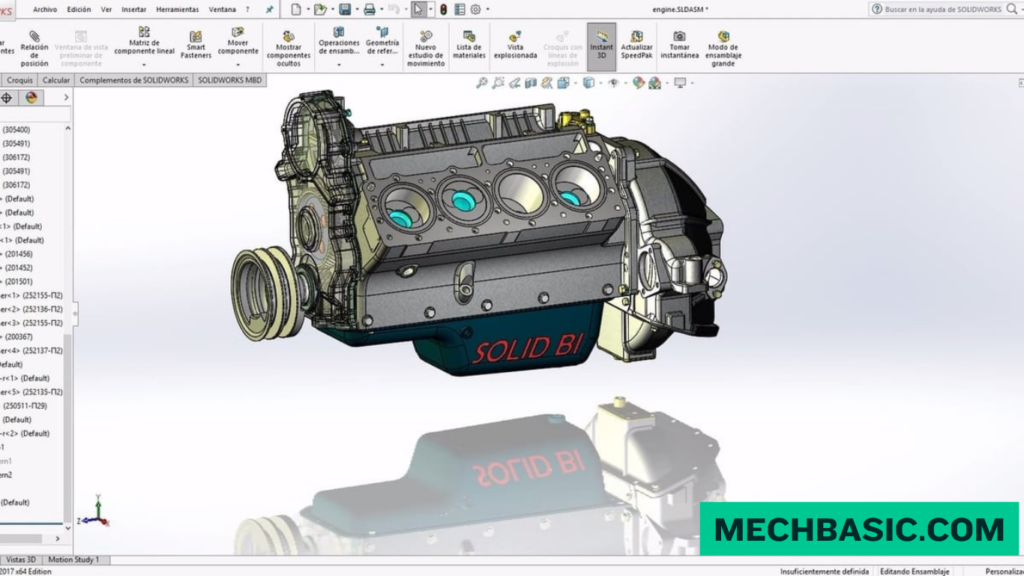
Dassault Systèmes SOLIDWORKS Official Page: Official portal for 3D parametric mechanical CAD, drawing automation, built-in simulation, and rapid product development.
CATIA vs. SOLIDWORKS
| Feature | CATIA | SOLIDWORKS |
|---|---|---|
| 3D parametric modeling | ⭐⭐⭐⭐⭐ | ⭐⭐⭐⭐⭐ |
| Mechanical design | ⭐⭐⭐⭐⭐ | ⭐⭐⭐⭐⭐ |
| Advanced surfacing | ⭐⭐⭐⭐⭐ | ⭐⭐⭐⭐ |
| Complex products | ⭐⭐⭐⭐⭐ | ⭐⭐⭐⭐ |
| Large assemblies | ⭐⭐⭐⭐⭐ | ⭐⭐⭐⭐ |
| Ease of learning | ⭐⭐⭐ | ⭐⭐⭐⭐⭐ |
| Machine design | ⭐⭐⭐⭐ | ⭐⭐⭐⭐⭐ |
| Product development | ⭐⭐⭐⭐⭐ | ⭐⭐⭐⭐⭐ |
| Aerospace applications | ⭐⭐⭐⭐⭐ | ⭐⭐⭐⭐ |
| Automotive applications | ⭐⭐⭐⭐⭐ | ⭐⭐⭐⭐⭐ |
| Manufacturing design | ⭐⭐⭐⭐⭐ | ⭐⭐⭐⭐⭐ |
| Beginner friendliness | ⭐⭐⭐ | ⭐⭐⭐⭐⭐ |
These are qualitative comparisons rather than standardized performance scores.
CATIA vs. SOLIDWORKS: Applications
CATIA Applications
1. Aerospace Engineering
CATIA is widely suited to complex aerospace product development.
Applications include:
- Aircraft structures
- Aircraft interiors
- Engine components
- Complex aerodynamic surfaces
- Large aircraft assemblies
2. Automotive Engineering
CATIA can be used for:
- Vehicle body design
- Automotive interiors
- Exterior styling
- Chassis components
- Complex assemblies
Its advanced surface-modeling capabilities are particularly valuable for vehicle exterior and interior design.
3. Industrial Equipment
Applications include:
- Complex machinery
- Manufacturing equipment
- Industrial systems
- Large assemblies
4. Shipbuilding and Transportation
CATIA can support the design of complex transportation products and large assemblies.
SOLIDWORKS Applications
1. Mechanical Engineering
SOLIDWORKS is widely used for:
- Machine components
- Mechanical assemblies
- Fixtures
- Mechanisms
- Industrial equipment
2. Manufacturing
Applications include:
- Production machinery
- Fabrication
- Tooling
- Manufacturing drawings
- CNC-related design workflows
3. Product Design
SOLIDWORKS is commonly used to develop:
- Consumer products
- Appliances
- Enclosures
- Mechanical products
- Prototypes
4. Automotive
Applications include:
- Automotive components
- Brackets
- Fixtures
- Accessories
- Supplier-designed components
Main Difference
The simplest way to understand the difference is:
CATIA
Advanced product engineering + complex geometry + large systems
SOLIDWORKS
Mechanical design + ease of use + manufacturing-focused workflows
CATIA tends to become especially valuable when products involve complex shapes, large assemblies, sophisticated surfaces, or multidisciplinary product development.
SOLIDWORKS is often an excellent choice when the primary requirement is efficient mechanical part, assembly, and drawing design.
CATIA vs. SOLIDWORKS for Jobs
| Career Goal | Recommended |
|---|---|
| Beginner CAD designer | SOLIDWORKS |
| Mechanical engineering | SOLIDWORKS |
| Machine design | SOLIDWORKS |
| Manufacturing | SOLIDWORKS |
| Product design | Both |
| Automotive | CATIA / SOLIDWORKS |
| Aerospace | CATIA |
| Advanced surface modeling | CATIA |
| Complex assemblies | CATIA |
| Easy CAD learning | SOLIDWORKS |
| Advanced product development | CATIA |
Actual software requirements vary by employer, so checking job postings for your target industry is the best way to choose a specialization.
Frequently Asked Questions (FAQs)
1. Is CATIA better than SOLIDWORKS?
Neither is universally better. CATIA is stronger for many advanced product-development and complex-surface applications, while SOLIDWORKS is an excellent general mechanical CAD platform with a more approachable workflow.
2. Is SOLIDWORKS easier than CATIA?
For most beginners, SOLIDWORKS is easier to learn because its interface and core modeling workflow are relatively straightforward.
3. Which is better for mechanical engineering?
Both are excellent. For general mechanical engineering and machine design, SOLIDWORKS is a practical choice. For complex product development, aerospace, and advanced automotive applications, CATIA can be particularly valuable.
4. Which should a student learn first?
For most students starting from zero, SOLIDWORKS is a good first CAD platform. After mastering fundamental modeling concepts, learning CATIA becomes easier.
5. Can I learn CATIA after SOLIDWORKS?
Yes. Many fundamental CAD concepts transfer between the two platforms, including:
- Sketching
- Constraints
- Parametric modeling
- Features
- Assemblies
- Drawings
- Design intent
6. Should I learn both?
Yes, if your career goals allow it. SOLIDWORKS + CATIA gives you exposure to both accessible mechanical CAD workflows and advanced product-development tools.
Summary
| Category | Better Choice |
|---|---|
| Beginner-friendly | SOLIDWORKS |
| Mechanical design | SOLIDWORKS |
| Machine design | SOLIDWORKS |
| Manufacturing | SOLIDWORKS |
| Advanced surfacing | CATIA |
| Aerospace | CATIA |
| Complex automotive products | CATIA |
| Large product assemblies | CATIA |
| Product development | Both |
| Easy first CAD software | SOLIDWORKS |
| Advanced engineering | CATIA |
Conclusion
CATIA and SOLIDWORKS are both powerful professional CAD platforms, but they are best suited to somewhat different workflows.
CATIA is particularly strong for aerospace, automotive, complex surfaces, large assemblies, and advanced product development.
SOLIDWORKS is particularly strong for mechanical engineering, machine design, manufacturing, product design, and accessible parametric modeling.
Latest articles:
Best Budget Workstation Laptops for SolidWorks and Heavy 3D Assembly Modeling
Best Budget Workstation Laptops for SolidWorks and Heavy 3D Assembly Modeling Overview What Does SOLIDWORKS…
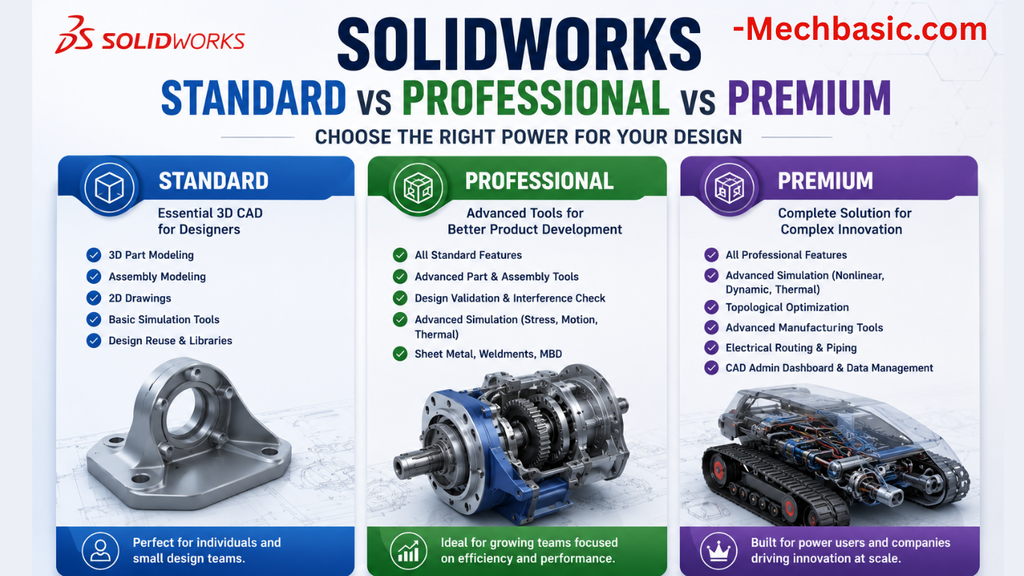
SolidWorks Standard vs Professional vs Premium: Full Feature Comparison
SolidWorks Standard vs Professional vs Premium: Full Feature Comparison Overview: SOLIDWORKS Package Overview SOLIDWORKS comes…
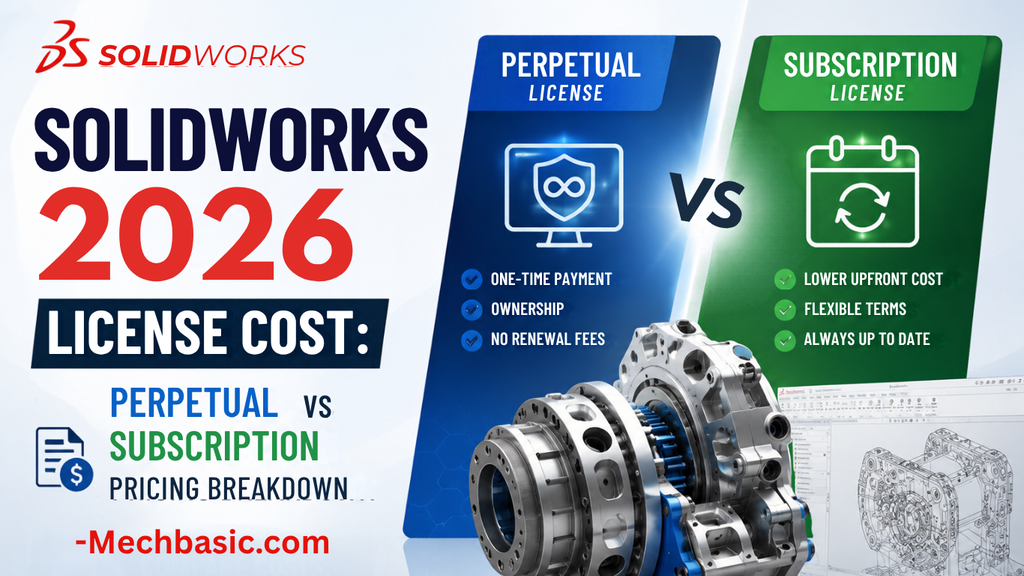
SolidWorks 2026 License Cost: Perpetual vs Subscription Pricing Breakdown
SolidWorks 2026 License Cost: Perpetual vs Subscription Pricing Breakdown Overview: SOLIDWORKS 2026 License Options SOLIDWORKS…

Flatness-GD&T | GD&T Tutorials

ANSI vs ISO Standards-Key Differences you need to know

Straightness-GD&T | GD&T Tutorials
Related Tags:
Categories:




















