
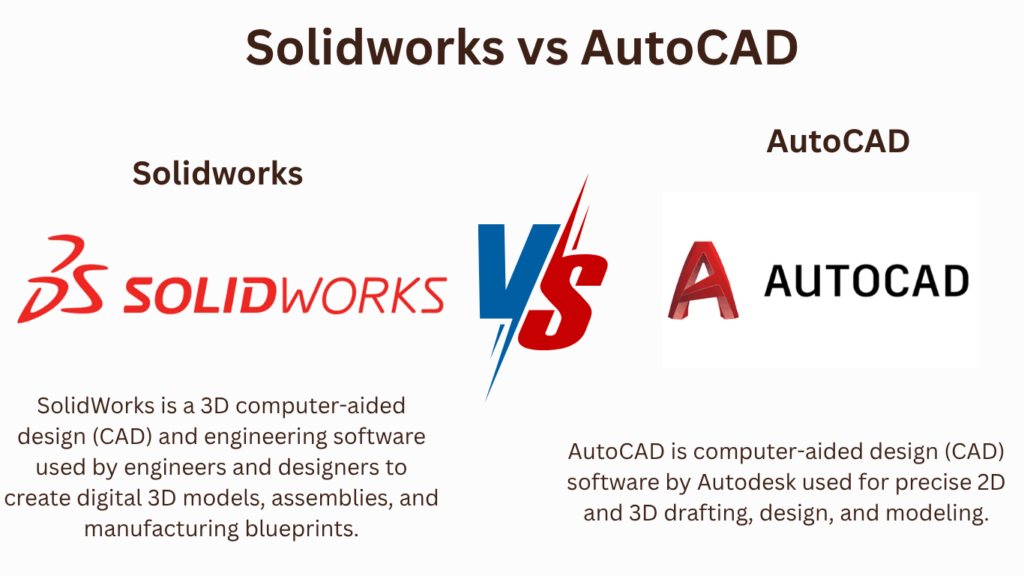
Key Takeaways:
AutoCAD vs SOLIDWORKS
AutoCAD
AutoCAD is primarily a 2D drafting and general-purpose CAD software used to create technical drawings, layouts, floor plans, and detailed documentation. It is widely used in civil, architectural, electrical, and mechanical drafting.
SOLIDWORKS
SOLIDWORKS is a 3D mechanical CAD software designed for creating parts, assemblies, and engineering drawings. It also supports simulation, sheet metal, weldments, rendering, and product development.
| Feature | AutoCAD | SOLIDWORKS |
|---|---|---|
| Main Focus | 2D drafting & general CAD | 3D mechanical design |
| 3D Modeling | ✅ Yes | ✅ Advanced |
| 2D Drafting | ⭐ Excellent | ✅ Excellent |
| Part Modeling | Basic/Moderate | ⭐ Advanced |
| Assembly Design | Limited | ⭐ Advanced |
| FEA/Simulation | Limited | ✅ Available |
| Sheet Metal | Basic | ⭐ Advanced |
| CNC/CAM | Via additional tools | ✅ SOLIDWORKS CAM |
| Learning Curve | Easier | Moderate |
| Best For | Drafting & layouts | Mechanical/product design |
Applications
AutoCAD → Architecture, civil engineering, electrical layouts, mechanical drafting, construction drawings, and general 2D design.
SOLIDWORKS → Mechanical engineering, automotive, aerospace, robotics, machine design, product development, and manufacturing.
Which Should You Learn?
For Civil/Architecture → AutoCAD ⭐
For Mechanical Engineering → SOLIDWORKS ⭐
For 2D Drafting → AutoCAD ⭐
For 3D Mechanical Design → SOLIDWORKS ⭐
For FEA/CAE → SOLIDWORKS ⭐
For CNC/CAM → SOLIDWORKS ⭐
Key Takeaway
AutoCAD → 2D Drafting + General CAD
SOLIDWORKS → 3D Modeling + Assembly + Simulation + Manufacturing
For a mechanical engineering student, learning both is a strong combination: start with AutoCAD for 2D drafting, then develop advanced 3D modeling skills in SOLIDWORKS.
In this article:
AutoCAD vs. SOLIDWORKS
AutoCAD and SOLIDWORKS are two widely used CAD software platforms, but they are designed around different engineering workflows.
- AutoCAD is especially well known for 2D drafting, technical drawings, documentation, and general-purpose CAD.
- SOLIDWORKS is primarily focused on 3D mechanical design, parametric modeling, assemblies, and product development.
Choosing between them depends mainly on your career goal, industry, and type of design work.
AutoCAD
AutoCAD is a general-purpose CAD platform widely used for creating precise 2D drawings and 3D models.
Key Features
- 2D drafting
- 3D modeling
- Technical drawings
- Dimensions and annotations
- Layers
- Blocks
- Layouts and viewports
- PDF-to-CAD workflows
- CAD documentation
Best For
AutoCAD is particularly suitable for:
- 2D drafting
- Architectural drawings
- Civil engineering drawings
- Mechanical drafting
- Electrical layouts
- Construction documentation
- General CAD work
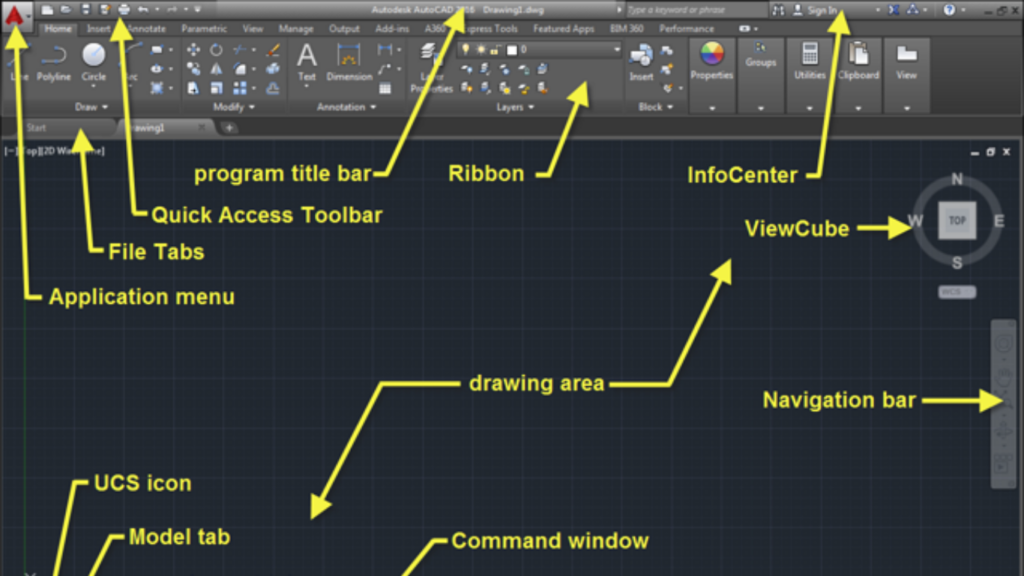
Autodesk AutoCAD Official Page: Official overview of 2D drafting, specialized toolsets (Architecture, Mechanical, Electrical), and DWG documentation.
SOLIDWORKS
SOLIDWORKS is a 3D mechanical CAD platform designed primarily for parametric part modeling, assemblies, engineering drawings, and product development.
Key Features
- 3D parametric modeling
- Part design
- Assembly design
- Engineering drawings
- Sheet-metal design
- Weldments
- Surface modeling
- Configurations
- Simulation
- Rendering
Best For
SOLIDWORKS is particularly suitable for:
- Mechanical engineering
- Machine design
- Product design
- Industrial equipment
- Manufacturing
- Mechanical assemblies
- Engineering product development
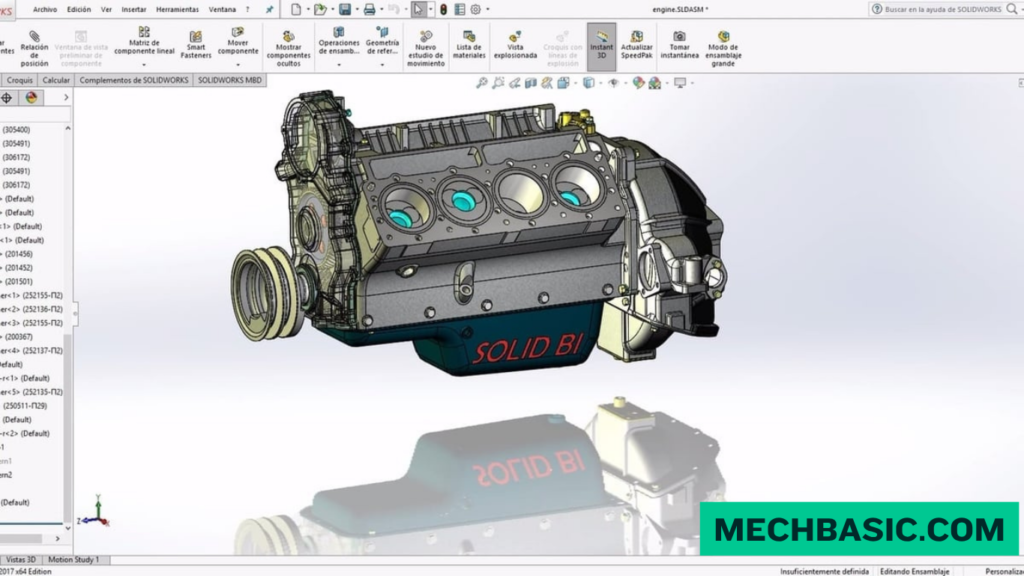
Dassault Systèmes SOLIDWORKS Official Page: Official portal covering 3D parametric CAD modeling, built-in simulation (FEA/CFD), and manufacturing tools.
AutoCAD vs. SOLIDWORKS
| Feature | AutoCAD | SOLIDWORKS |
|---|---|---|
| 2D drafting | ⭐⭐⭐⭐⭐ | ⭐⭐⭐⭐ |
| 3D mechanical modeling | ⭐⭐⭐ | ⭐⭐⭐⭐⭐ |
| Parametric modeling | ⭐⭐⭐ | ⭐⭐⭐⭐⭐ |
| Mechanical assemblies | ⭐⭐ | ⭐⭐⭐⭐⭐ |
| Engineering drawings | ⭐⭐⭐⭐⭐ | ⭐⭐⭐⭐⭐ |
| Architectural drafting | ⭐⭐⭐⭐⭐ | ⭐⭐ |
| Civil drafting | ⭐⭐⭐⭐⭐ | ⭐⭐ |
| Machine design | ⭐⭐⭐⭐ | ⭐⭐⭐⭐⭐ |
| Product design | ⭐⭐⭐ | ⭐⭐⭐⭐⭐ |
| Sheet metal | ⭐⭐⭐ | ⭐⭐⭐⭐⭐ |
| 3D visualization | ⭐⭐⭐ | ⭐⭐⭐⭐ |
| Beginner 2D drafting | ⭐⭐⭐⭐⭐ | ⭐⭐⭐ |
These are broad qualitative comparisons rather than standardized performance ratings.
AutoCAD vs. SOLIDWORKS: Applications
AutoCAD Applications
1. Architecture
AutoCAD is widely used for:
- Floor plans
- Building layouts
- Elevations
- Sections
- Construction drawings
- Architectural details
2. Civil Engineering
Applications include:
- Site plans
- Road layouts
- Infrastructure drawings
- Survey drawings
- Utility layouts
3. Mechanical Drafting
AutoCAD can be used for:
- Mechanical drawings
- Manufacturing details
- 2D component drawings
- Schematics
- Layouts
4. Electrical Design
Applications include:
- Electrical layouts
- Wiring diagrams
- Panel drawings
- Schematic documentation
SOLIDWORKS Applications
1. Mechanical Engineering
SOLIDWORKS is commonly used for:
- Machine components
- Mechanisms
- Fixtures
- Industrial machinery
- Mechanical assemblies
2. Product Design
Applications include:
- Consumer products
- Enclosures
- Appliances
- Mechanical products
- Prototypes
3. Manufacturing
SOLIDWORKS supports:
- Production design
- Sheet metal
- Weldments
- Tooling
- Engineering drawings
- Manufacturing documentation
4. Automotive
Applications include:
- Automotive components
- Brackets
- Fixtures
- Mechanical systems
- Vehicle-related product development
Main Difference
The simplest way to understand the difference is:
AutoCAD
2D drafting + technical documentation + general CAD
SOLIDWORKS
3D parametric mechanical design + assemblies + product development
For example, if you need to create a floor plan or detailed 2D construction drawing, AutoCAD is usually the more appropriate tool.
If you need to design a machine, gearbox, bracket, or mechanical assembly in 3D, SOLIDWORKS is generally the better choice.
Which Should You Learn?
Choose AutoCAD If:
You want to work in:
- Architecture
- Civil engineering
- Construction
- 2D drafting
- Electrical drafting
- General CAD drafting
- Technical documentation
AutoCAD is an excellent choice.
Choose SOLIDWORKS If:
You want to work in:
- Mechanical engineering
- Machine design
- Product design
- Manufacturing
- Industrial equipment
- Mechanical product development
SOLIDWORKS is an excellent choice.
Frequently Asked Questions (FAQs)
1. Is AutoCAD better than SOLIDWORKS?
Neither is universally better. AutoCAD is stronger for 2D drafting and general CAD documentation, while SOLIDWORKS is stronger for 3D mechanical design and assemblies.
2. Is SOLIDWORKS easier than AutoCAD?
It depends on what you are learning. AutoCAD’s basic 2D drafting can be easier to start with, while SOLIDWORKS requires learning concepts such as sketches, features, parametric relationships, parts, and assemblies.
3. Which is better for mechanical engineering?
For modern 3D mechanical design and machine engineering, SOLIDWORKS is generally the stronger choice.
4. Which is better for architecture?
AutoCAD is generally the better choice for traditional 2D architectural drafting. For BIM workflows, specialized tools such as Revit may be more appropriate.
5. Can I learn SOLIDWORKS after AutoCAD?
Yes. AutoCAD gives you a useful foundation in CAD commands, dimensions, layers, drawing standards, and technical documentation. You will then need to learn SOLIDWORKS’s 3D parametric modeling approach.
6. Should I learn both?
Yes. If you are pursuing a CAD or mechanical-design career, AutoCAD + SOLIDWORKS can be a valuable combination.
Summary
| Category | Better Choice |
|---|---|
| 2D drafting | AutoCAD |
| Architectural drafting | AutoCAD |
| Civil drawings | AutoCAD |
| Construction documentation | AutoCAD |
| General CAD | AutoCAD |
| 3D mechanical design | SOLIDWORKS |
| Machine design | SOLIDWORKS |
| Mechanical assemblies | SOLIDWORKS |
| Product design | SOLIDWORKS |
| Sheet metal | SOLIDWORKS |
| Manufacturing design | SOLIDWORKS |
| Mechanical engineering | SOLIDWORKS |
Conclusion
AutoCAD and SOLIDWORKS serve different but complementary purposes.
AutoCAD is an excellent choice for 2D drafting, technical documentation, architecture, civil engineering, construction, and general CAD work.
SOLIDWORKS is better suited to 3D mechanical modeling, assemblies, machine design, product development, manufacturing, and mechanical engineering.
Latest articles:
Best Budget Workstation Laptops for SolidWorks and Heavy 3D Assembly Modeling
Best Budget Workstation Laptops for SolidWorks and Heavy 3D Assembly Modeling Overview What Does SOLIDWORKS…
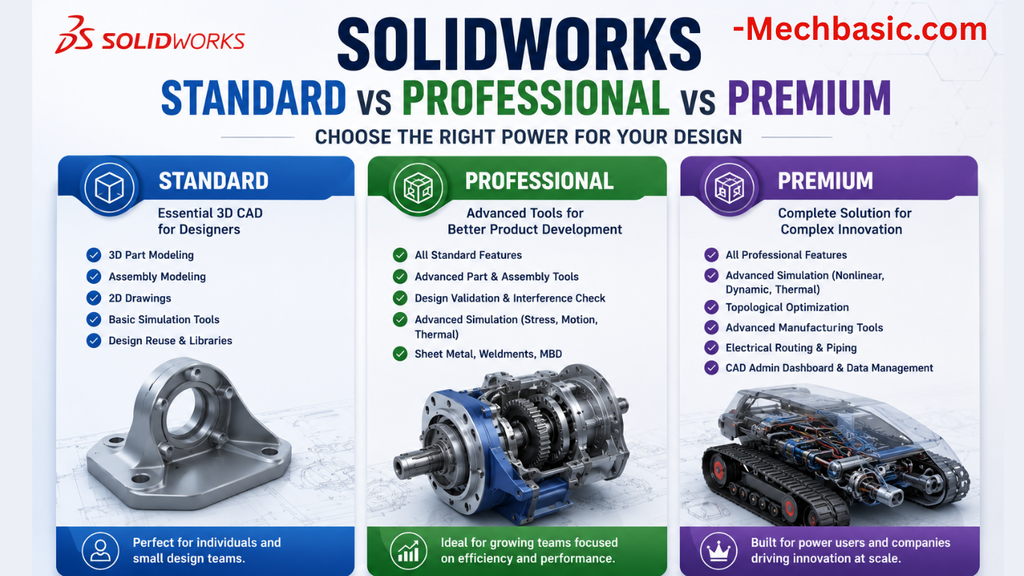
SolidWorks Standard vs Professional vs Premium: Full Feature Comparison
SolidWorks Standard vs Professional vs Premium: Full Feature Comparison Overview: SOLIDWORKS Package Overview SOLIDWORKS comes…
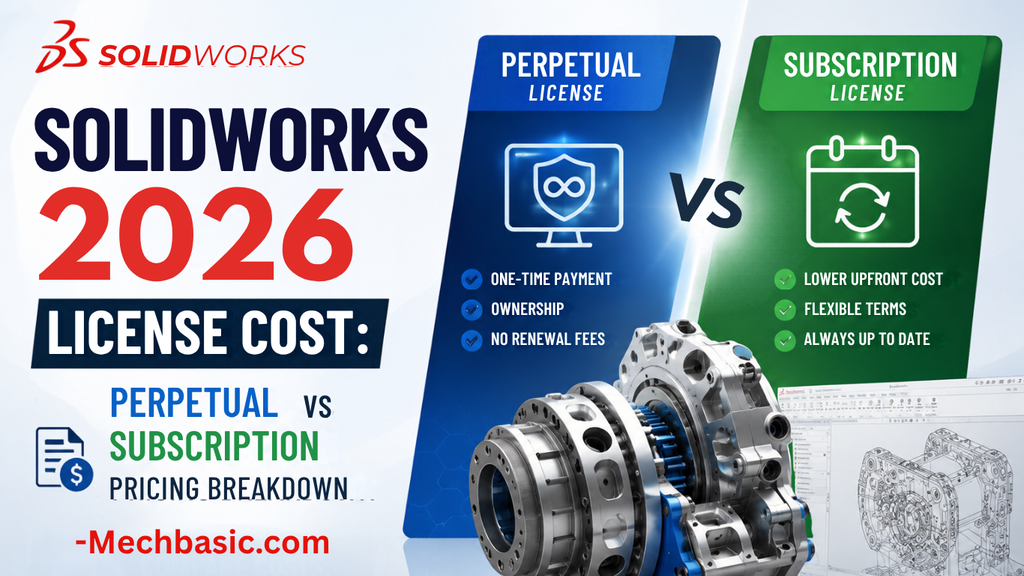
SolidWorks 2026 License Cost: Perpetual vs Subscription Pricing Breakdown
SolidWorks 2026 License Cost: Perpetual vs Subscription Pricing Breakdown Overview: SOLIDWORKS 2026 License Options SOLIDWORKS…

Flatness-GD&T | GD&T Tutorials

ANSI vs ISO Standards-Key Differences you need to know

Straightness-GD&T | GD&T Tutorials
Related Tags:
Categories:




















