
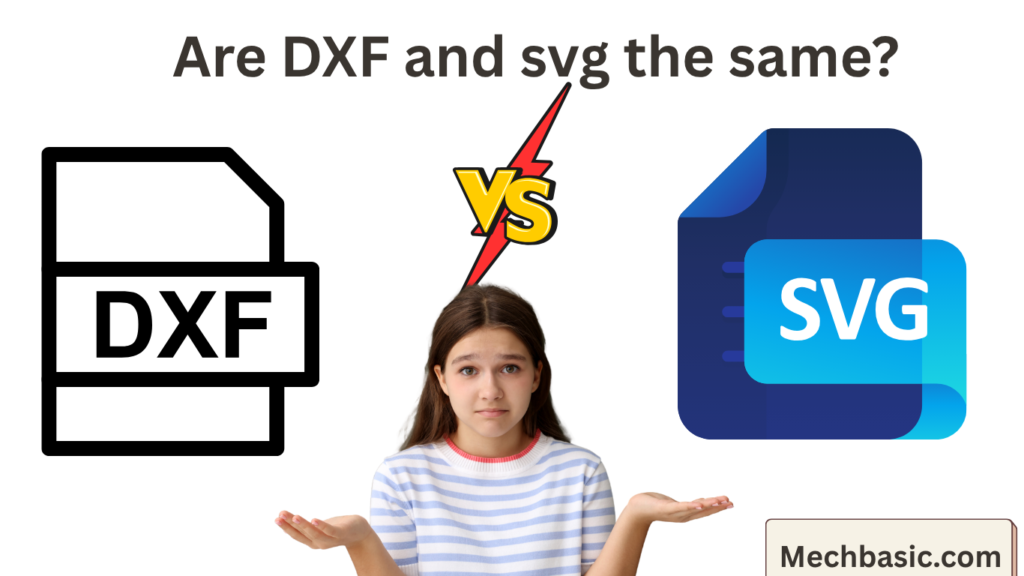
Are DXF and SVG the Same?
No. DXF (Drawing Exchange Format) and SVG (Scalable Vector Graphics) are both vector-based file formats, but they are designed for different purposes and industries.
- DXF is mainly used in Computer-Aided Design (CAD) for engineering and manufacturing.
- SVG is mainly used in web design, graphics, and illustrations.
DXF vs SVG Comparison
| Feature | DXF | SVG |
|---|---|---|
| Full Form | Drawing Exchange Format | Scalable Vector Graphics |
| Developed By | Autodesk | W3C (World Wide Web Consortium) |
| Primary Use | Engineering and CAD | Web graphics and digital illustrations |
| 2D Support | ✔ Yes | ✔ Yes |
| 3D Support | ✔ Limited | ✘ No |
| Scalable Without Quality Loss | ✔ Yes | ✔ Yes |
| Stores Dimensions | ✔ Yes | ✘ No (uses graphic coordinates, not engineering dimensions) |
| Layers | ✔ Yes | Limited (through groups) |
| Text Support | ✔ Yes | ✔ Yes |
| Animation Support | ✘ No | ✔ Yes (via CSS/JavaScript) |
| Typical Software | AutoCAD, DraftSight, BricsCAD | Adobe Illustrator, Inkscape, Web Browsers |
What is DXF?
DXF is a CAD file format developed by Autodesk for exchanging engineering drawings between different CAD software.
Features
- Stores precise engineering geometry.
- Supports:
- Lines
- Arcs
- Circles
- Polylines
- Dimensions
- Layers
- Blocks
- Basic 3D entities
- Widely used in:
- CNC machining
- Laser cutting
- Waterjet cutting
- Mechanical design
Example Applications
- Mechanical engineering drawings
- Architectural plans
- CNC toolpaths
- Manufacturing
What is SVG?
SVG is an XML-based vector graphics format designed for displaying scalable graphics on websites and digital media.
Features
- Resolution-independent.
- Small file sizes.
- Supports:
- Shapes
- Curves
- Text
- Colors
- Gradients
- Animations
- Interactivity
Example Applications
- Website logos
- Icons
- Infographics
- Charts
- User interfaces
- Illustrations
Key Differences
1. Purpose
DXF
- Engineering drawings
- CAD data exchange
- Manufacturing
SVG
- Web graphics
- Digital artwork
- User interfaces
2. Precision
DXF is designed for high-precision engineering, preserving exact coordinates and dimensions.
SVG is designed for visual graphics. While it uses precise coordinates, it does not inherently represent engineering dimensions or tolerances.
3. 3D Support
DXF can store some 3D geometry.
SVG is strictly a 2D graphics format.
4. Manufacturing
DXF is commonly used by:
- CNC machines
- Laser cutters
- Plasma cutters
- Waterjet cutters
SVG is supported by many hobby cutting machines (such as vinyl cutters) and some laser-cutting workflows, but it is not the standard engineering exchange format for industrial CAD/CAM systems.
5. Editing Software
DXF
- AutoCAD
- DraftSight
- BricsCAD
- LibreCAD
- SolidWorks (import/export)
SVG
- Adobe Illustrator
- Inkscape
- CorelDRAW
- Figma
- Web browsers
Can You Convert Between DXF and SVG?
Yes. Many CAD and graphics programs can convert between the two formats.
DXF → SVG
Useful for:
- Publishing CAD drawings on websites
- Creating icons or illustrations
- Laser-cutting workflows that require SVG
SVG → DXF
Useful for:
- Importing vector artwork into CAD software
- Preparing designs for CNC or laser cutting
Some editing may be required after conversion to ensure proper scaling and geometry.
When to Use Each Format
| Use Case | Recommended Format |
|---|---|
| Mechanical CAD drawings | DXF |
| CNC machining | DXF |
| Laser cutting (industrial) | DXF |
| Web graphics | SVG |
| Logos and icons | SVG |
| Technical drawing exchange | DXF |
| Website illustrations | SVG |
Summary
- DXF is an engineering CAD format designed for accurate technical drawings, manufacturing, and CAD data exchange. It supports 2D and limited 3D geometry.
- SVG is a 2D vector graphics format designed for web and graphic design. It supports colors, gradients, text, and animations but does not store engineering-specific information such as dimensions or tolerances.
In short:
- Choose DXF for engineering, CAD, CNC, and manufacturing.
- Choose SVG for web graphics, logos, icons, and digital illustrations.
Latest articles:
Best Budget Workstation Laptops for SolidWorks and Heavy 3D Assembly Modeling
Best Budget Workstation Laptops for SolidWorks and Heavy 3D Assembly Modeling Overview What Does SOLIDWORKS…
SolidWorks Standard vs Professional vs Premium: Full Feature Comparison
SolidWorks Standard vs Professional vs Premium: Full Feature Comparison Overview: SOLIDWORKS Package Overview SOLIDWORKS comes…
SolidWorks 2026 License Cost: Perpetual vs Subscription Pricing Breakdown
SolidWorks 2026 License Cost: Perpetual vs Subscription Pricing Breakdown Overview: SOLIDWORKS 2026 License Options SOLIDWORKS…

Flatness-GD&T | GD&T Tutorials

ANSI vs ISO Standards-Key Differences you need to know

Straightness-GD&T | GD&T Tutorials
Related Tags:
Categories:




















