
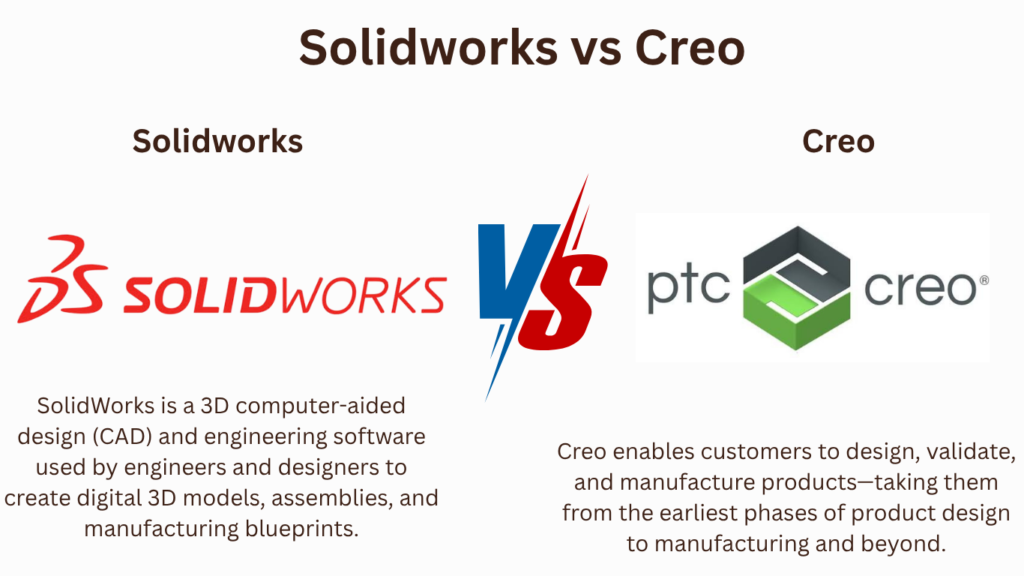
Key Takeaways:
Creo vs. SOLIDWORKS
Creo
PTC Creo is an advanced 3D CAD and product-development platform used for parametric modeling, complex assemblies, advanced surfacing, simulation, and manufacturing. It is especially common in large manufacturing and engineering organizations.
SOLIDWORKS
SOLIDWORKS is a 3D CAD platform focused on mechanical design, part modeling, assemblies, engineering drawings, simulation, and product development. It is generally easier for beginners to learn.
| Feature | Creo | SOLIDWORKS |
|---|---|---|
| 3D Parametric Modeling | ⭐⭐⭐⭐⭐ | ⭐⭐⭐⭐⭐ |
| Mechanical Design | ⭐⭐⭐⭐⭐ | ⭐⭐⭐⭐⭐ |
| Complex Assemblies | ⭐⭐⭐⭐⭐ | ⭐⭐⭐⭐ |
| Advanced Surfacing | ⭐⭐⭐⭐⭐ | ⭐⭐⭐⭐ |
| Large Product Design | ⭐⭐⭐⭐⭐ | ⭐⭐⭐⭐ |
| 2D Drawings | ⭐⭐⭐⭐⭐ | ⭐⭐⭐⭐⭐ |
| FEA/Simulation | ⭐⭐⭐⭐⭐ | ⭐⭐⭐⭐ |
| CAM/Manufacturing | ⭐⭐⭐⭐⭐ | ⭐⭐⭐⭐ |
| Ease of Learning | More difficult | ⭐ Easier |
| Beginner Friendly | ⭐⭐⭐ | ⭐⭐⭐⭐⭐ |
| Industry Use | Automotive, aerospace, manufacturing | Mechanical/product design |
Where They Are Used
Creo → Automotive, aerospace, heavy machinery, industrial equipment, complex product development, and large-scale manufacturing.
SOLIDWORKS → Machine design, automotive components, robotics, consumer products, sheet metal, manufacturing, and general mechanical engineering.
Which Should You Learn?
Beginner / Student → SOLIDWORKS
Mechanical Design → Both
Automotive → Creo
Aerospace → Creo
Large & Complex Assemblies → Creo
Easy Learning → SOLIDWORKS
Product Design → SOLIDWORKS
Advanced Parametric Design → Creo
Career Recommendation
If you’re starting out in mechanical CAD:
SOLIDWORKS → Build fundamentals → CSWA/CSWP → Portfolio
Then add Creo if you want to target companies that use PTC’s ecosystem, particularly in automotive, aerospace, and large-scale product development.
Key Takeaway
Creo → Advanced Parametric CAD + Complex Products + Enterprise Engineering
SOLIDWORKS → User-Friendly 3D CAD + Mechanical Design + Product Development
For a beginner, SOLIDWORKS is usually the easier starting point; Creo is an excellent second CAD system to learn once your parametric modeling fundamentals are strong.
In this article:
Creo vs. SOLIDWORKS
Creo and SOLIDWORKS are powerful 3D CAD platforms used for mechanical engineering, product development, machine design, and manufacturing.
Both support parametric modeling, assemblies, drawings, sheet metal, surfacing, and design documentation, but they have different strengths and are commonly associated with different engineering environments.
- Creo is developed by PTC.
- SOLIDWORKS is developed by Dassault Systèmes.
Creo
Creo is a professional parametric CAD platform known for advanced mechanical design and product development.
It is particularly strong in applications requiring sophisticated:
- Parametric modeling
- Assembly design
- Surfacing
- Sheet metal
- Mechanism design
- Design automation
- Product configuration
- Manufacturing integration
Key Features
- 3D parametric modeling
- Assembly management
- Advanced surfacing
- Sheet-metal design
- Mechanism simulation
- Generative design
- Design automation
- Technical drawings
- Product development tools
Best For
Creo is particularly suitable for:
- Complex mechanical products
- Automotive components
- Aerospace
- Industrial machinery
- Consumer products
- Large product-development organizations
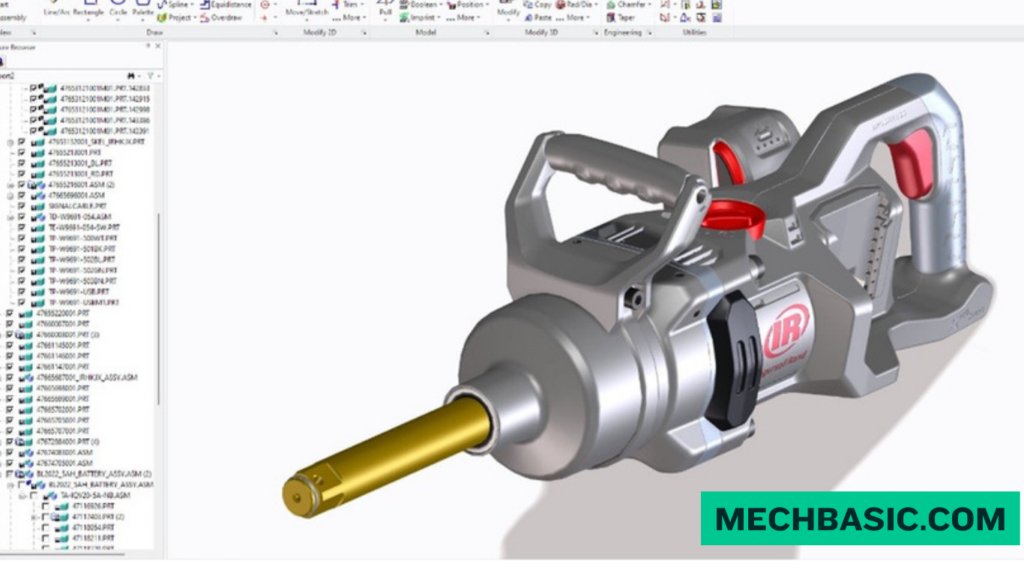
PTC Creo Official Product Page: Official portal for PTC Creo’s 3D CAD solution, detailing generative design, additive manufacturing, simulation-driven design, and Windchill PLM connectivity.
SOLIDWORKS
SOLIDWORKS is a widely used mechanical CAD platform known for its user-friendly parametric modeling workflow and strong engineering ecosystem.
Key Features
- 3D part modeling
- Assembly design
- 2D drawings
- Sheet metal
- Weldments
- Surface modeling
- Simulation
- Rendering
- Configurations
- Product data management
- Manufacturing workflows
Best For
SOLIDWORKS is particularly suitable for:
- Mechanical engineering
- Machine design
- Product design
- Manufacturing
- Industrial equipment
- Engineering services
- Small and medium-sized design teams
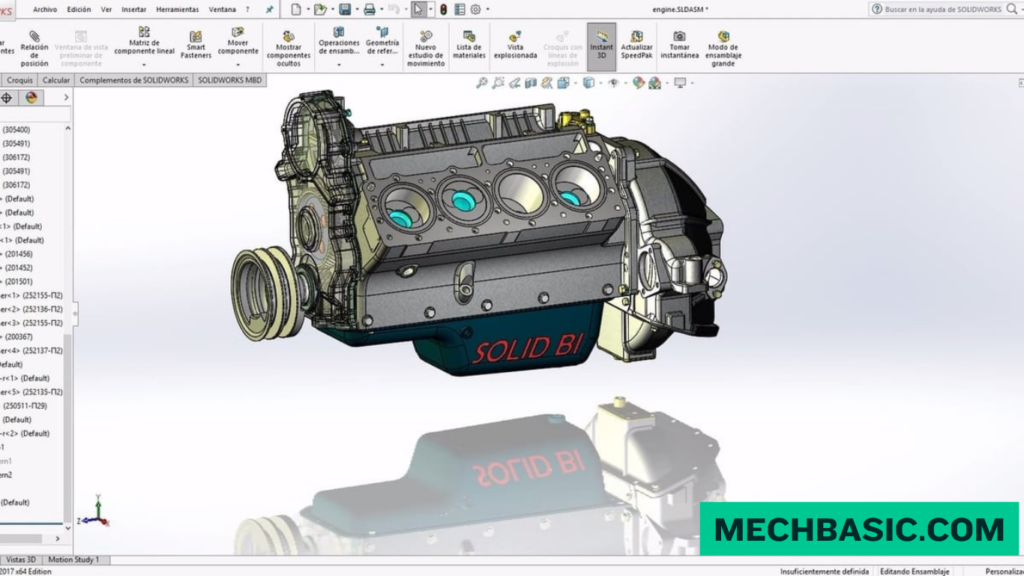
Creo vs. SOLIDWORKS
| Feature | Creo | SOLIDWORKS |
|---|---|---|
| Parametric modeling | ⭐⭐⭐⭐⭐ | ⭐⭐⭐⭐⭐ |
| Mechanical design | ⭐⭐⭐⭐⭐ | ⭐⭐⭐⭐⭐ |
| Ease of learning | Good | ⭐ Excellent |
| Advanced modeling | ⭐⭐⭐⭐⭐ | ⭐⭐⭐⭐ |
| Complex products | ⭐⭐⭐⭐⭐ | ⭐⭐⭐⭐ |
| Assembly design | ⭐⭐⭐⭐⭐ | ⭐⭐⭐⭐⭐ |
| Surfacing | ⭐⭐⭐⭐⭐ | ⭐⭐⭐⭐ |
| Sheet metal | ⭐⭐⭐⭐⭐ | ⭐⭐⭐⭐⭐ |
| Design automation | ⭐⭐⭐⭐⭐ | ⭐⭐⭐⭐ |
| Manufacturing integration | ⭐⭐⭐⭐⭐ | ⭐⭐⭐⭐⭐ |
| Beginner friendliness | ⭐⭐⭐ | ⭐⭐⭐⭐⭐ |
| Industry recognition | ⭐⭐⭐⭐⭐ | ⭐⭐⭐⭐⭐ |
These ratings are qualitative rather than standardized benchmarks.
Creo vs. SOLIDWORKS: Where They Are Used
Creo Industries
Creo is commonly encountered in engineering environments involving complex products and advanced mechanical design.
Automotive
- Vehicle components
- Powertrain components
- Interior systems
- Automotive mechanisms
Aerospace
- Aircraft components
- Structural components
- Mechanisms
- Complex assemblies
Industrial Equipment
- Machinery
- Automation equipment
- Heavy equipment
- Complex mechanisms
Consumer Products
- Product housings
- Mechanical systems
- Complex molded components
SOLIDWORKS Industries
SOLIDWORKS is widely used across mechanical design and manufacturing.
Mechanical Engineering
- Machine components
- Fixtures
- Industrial equipment
- Mechanical assemblies
Manufacturing
- Production machinery
- Fabrication
- Tooling
- Production drawings
Product Design
- Consumer products
- Enclosures
- Mechanical products
- Prototypes
Automotive
- Components
- Accessories
- Fixtures
- Supplier engineering
Industrial Equipment
- Pumps
- Conveyors
- Automation systems
- Machinery
Main Difference
The biggest practical difference is design philosophy and typical engineering environment.
Creo
Advanced parametric product development
Creo is particularly strong when engineers need sophisticated control over complex geometry, large product structures, configurations, and design automation.
SOLIDWORKS
Accessible professional mechanical CAD
SOLIDWORKS provides powerful parametric modeling while generally offering a more approachable workflow for many mechanical designers and engineers.
Creo vs. SOLIDWORKS: Learning Curve
Creo
Creo can have a steeper learning curve because of its extensive functionality and sophisticated modeling environment.
It is worth learning if you expect to work with complex engineering products.
SOLIDWORKS
SOLIDWORKS is often easier for beginners to approach.
The basic workflow is intuitive:
Sketch → Feature → Part → Assembly → Drawing
This makes it a popular starting point for students and new mechanical designers.
Creo vs. SOLIDWORKS for Jobs
| Career Goal | Recommended |
|---|---|
| Beginner CAD designer | SOLIDWORKS |
| Mechanical engineering | SOLIDWORKS / Creo |
| Machine design | SOLIDWORKS |
| Manufacturing | SOLIDWORKS |
| Automotive | Creo / SOLIDWORKS |
| Aerospace | Creo |
| Complex product development | Creo |
| Advanced parametric design | Creo |
| Easy starting point | SOLIDWORKS |
| Learn both | Best long-term option |
Actual software requirements vary considerably by employer, so job listings in your target industry and region are the best guide.
Frequently Asked Questions (FAQs)
1. Is Creo better than SOLIDWORKS?
Neither is universally better. Creo is particularly strong for advanced and highly structured product development, while SOLIDWORKS is known for its approachable mechanical design workflow and broad manufacturing use.
2. Is SOLIDWORKS easier than Creo?
For many beginners, yes. SOLIDWORKS generally provides a more accessible introduction to parametric mechanical CAD.
3. Which is better for mechanical engineering?
Both are excellent. SOLIDWORKS is a strong general-purpose choice, while Creo can be especially valuable for complex product-development environments.
4. Which should a student learn first?
For most students starting from zero, SOLIDWORKS is a practical first choice. Once you understand parametric CAD concepts, moving to Creo becomes easier.
5. Is Creo difficult to learn?
Creo has a steeper learning curve than many entry-level CAD workflows, but its advanced capabilities make it valuable for professional engineering applications.
6. Can I learn Creo after SOLIDWORKS?
Yes. The fundamental concepts—sketching, constraints, features, assemblies, drawings, and design intent—transfer well between the two platforms.
Summary
| Category | Best Choice |
|---|---|
| Beginner-friendly | SOLIDWORKS |
| Mechanical CAD | Both |
| Advanced parametric design | Creo |
| Complex product development | Creo |
| Machine design | SOLIDWORKS |
| Manufacturing | SOLIDWORKS |
| Aerospace/advanced engineering | Creo |
| Easier first CAD software | SOLIDWORKS |
| Long-term CAD skillset | Learn both |
Conclusion
Creo and SOLIDWORKS are both professional-grade CAD systems, but they serve somewhat different priorities.
Creo is an excellent choice for advanced parametric engineering, complex products, sophisticated assemblies, and highly structured product development.
SOLIDWORKS is an excellent choice for mechanical design, machine design, manufacturing, product development, and engineers who want a more approachable professional CAD platform.
Latest articles:
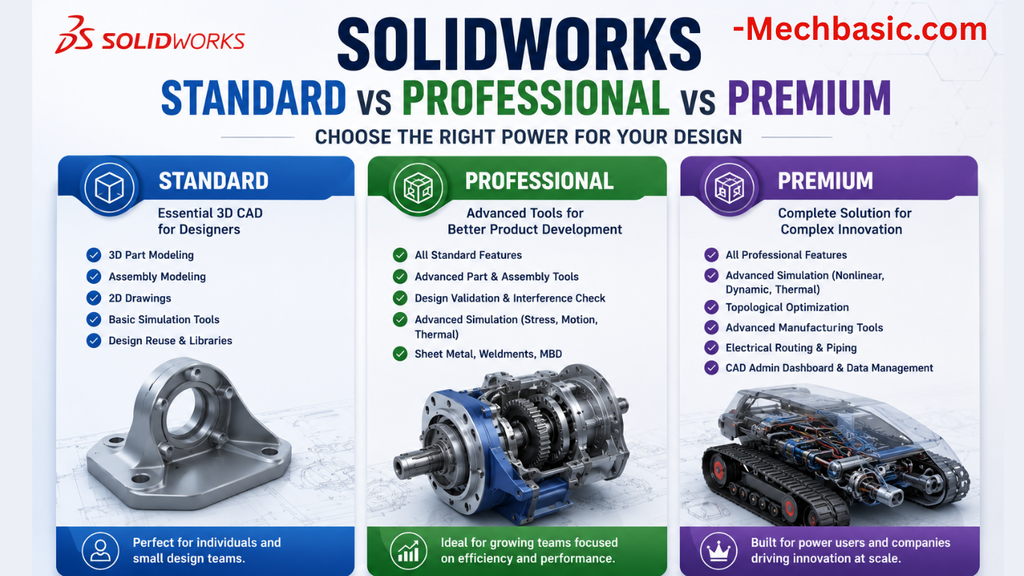
SolidWorks Standard vs Professional vs Premium: Full Feature Comparison
SolidWorks Standard vs Professional vs Premium: Full Feature Comparison Overview: SOLIDWORKS Package Overview SOLIDWORKS comes…

SolidWorks 2026 License Cost: Perpetual vs Subscription Pricing Breakdown
SolidWorks 2026 License Cost: Perpetual vs Subscription Pricing Breakdown Overview: SOLIDWORKS 2026 License Options SOLIDWORKS…

Flatness-GD&T | GD&T Tutorials

ANSI vs ISO Standards-Key Differences you need to know

Straightness-GD&T | GD&T Tutorials
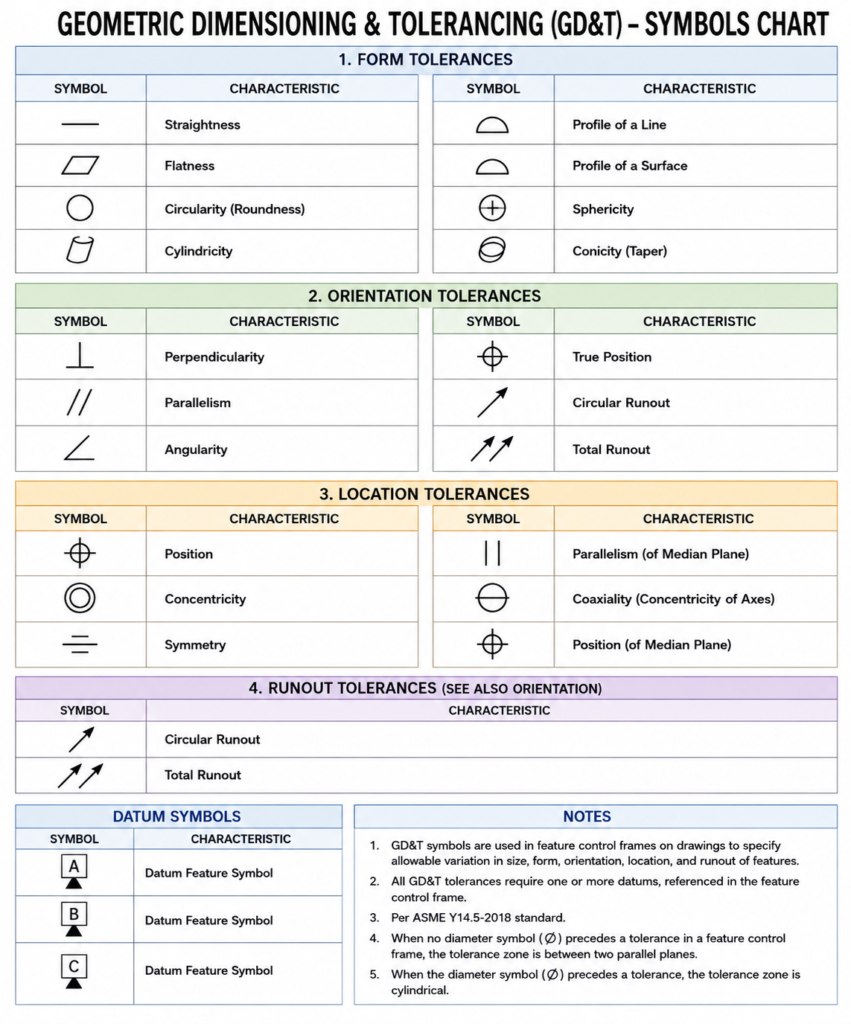
GD&T Symbols chart- Free download | GD&T
Geometric Dimensioning and Tolerancing (GD&T) is a standardized system used in engineering drawings to define…
Related Tags:
Categories:




















