
Key Takeaways:
Onshape vs. SOLIDWORKS
Onshape
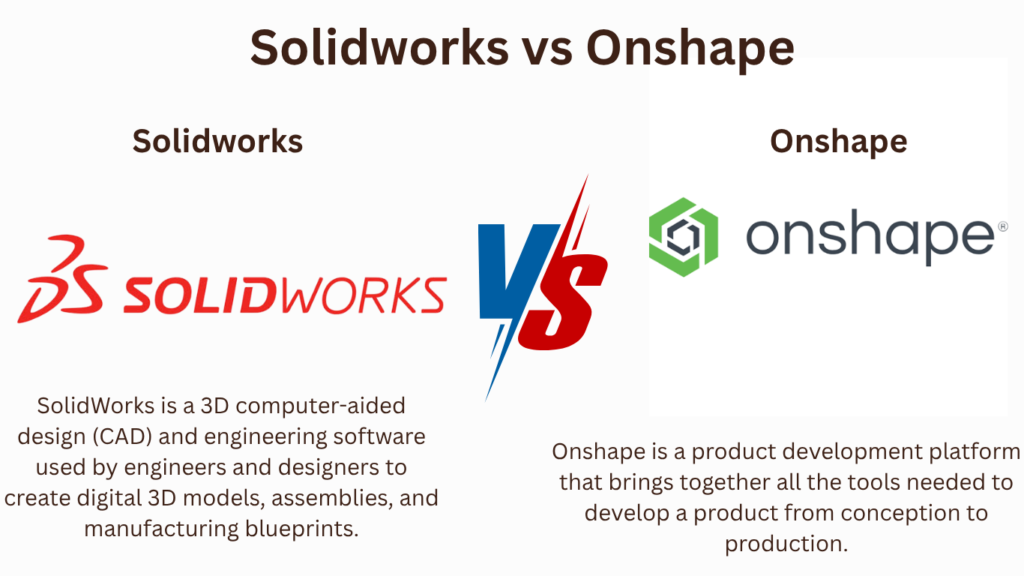
Onshape is a cloud-based 3D CAD and product development platform that runs in a web browser. It focuses on real-time collaboration, version control, and accessible parametric modeling without requiring a high-end workstation.
SOLIDWORKS
SOLIDWORKS is a professional desktop 3D CAD platform widely used for mechanical design, assemblies, engineering drawings, simulation, sheet metal, and manufacturing.
| Feature | Onshape | SOLIDWORKS |
|---|---|---|
| 3D CAD | ⭐⭐⭐⭐ | ⭐⭐⭐⭐⭐ |
| Parametric Modeling | ⭐⭐⭐⭐⭐ | ⭐⭐⭐⭐⭐ |
| Assembly Design | ⭐⭐⭐⭐ | ⭐⭐⭐⭐⭐ |
| Cloud Collaboration | ⭐⭐⭐⭐⭐ | ⭐⭐⭐ |
| Version Control | ⭐⭐⭐⭐⭐ | ⭐⭐⭐⭐ |
| FEA/Simulation | ⭐⭐⭐ | ⭐⭐⭐⭐ |
| CAM | ⭐⭐⭐⭐ | ⭐⭐⭐⭐ |
| Large Assemblies | ⭐⭐⭐⭐ | ⭐⭐⭐⭐⭐ |
| Offline Use | Limited | ⭐⭐⭐⭐⭐ |
| Learning Curve | Easier | Moderate |
| Installation | Browser-based | Desktop software |
| Professional Industry Adoption | Growing | ⭐⭐⭐⭐⭐ |
Main Difference
Onshape → Cloud CAD + Collaboration + Easy Access
SOLIDWORKS → Desktop CAD + Advanced Mechanical Design + Engineering Ecosystem
Which Should You Learn?
Student / Beginner → Onshape
Professional Mechanical Design → SOLIDWORKS
Remote Collaboration → Onshape
Large Assemblies → SOLIDWORKS
No Powerful PC → Onshape
FEA & Advanced Simulation → SOLIDWORKS
Traditional Manufacturing Companies → SOLIDWORKS
Key Takeaway
Onshape: Best when you want browser-based CAD, collaboration, and easy access from different computers.
SOLIDWORKS: Best when you want professional mechanical CAD, advanced assemblies, simulation, drawings, and manufacturing workflows.
Career tip: If your goal is a mechanical design/CAD job, I’d prioritize SOLIDWORKS first, then learn Onshape as a complementary cloud-CAD skill.
In this article:
Onshape vs. SOLIDWORKS
Onshape and SOLIDWORKS are both powerful CAD platforms used for 3D mechanical design, product development, assemblies, and engineering documentation.
The biggest difference is their approach to CAD:
- Onshape is a cloud-native CAD platform designed for browser-based design and collaboration.
- SOLIDWORKS is a traditional desktop-focused CAD platform with a mature feature-based modeling environment and a large engineering ecosystem.
Both can be excellent choices, but the better option depends on your career goals, industry, workflow, hardware, and collaboration requirements.
Onshape
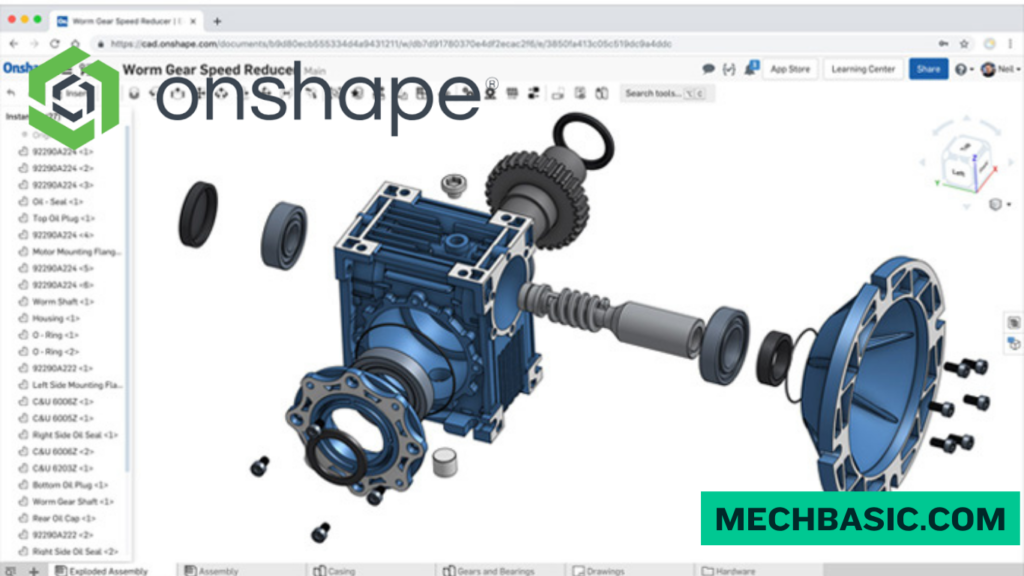
Onshape is a cloud-native CAD system developed by PTC.
Unlike traditional desktop CAD, Onshape is accessed primarily through a web browser and stores design data in the cloud.
Key Features
- 3D part modeling
- Assembly design
- Drawings
- Sheet metal
- Surface modeling
- Configurations
- Version control
- Real-time collaboration
- Cloud data management
- Browser-based access
Major Advantage
You can work on your CAD models from different computers without installing a traditional desktop CAD application or manually transferring files between machines.
Best For
- Remote teams
- Collaborative design
- Startups
- Product development
- Education
- Users who work across multiple computers
- Teams needing integrated version control
SOLIDWORKS
SOLIDWORKS is a widely used professional mechanical CAD platform developed by Dassault Systèmes.
It is particularly well known for parametric 3D modeling, assemblies, engineering drawings, simulation, and manufacturing workflows.
Key Features
- 3D part modeling
- Assembly modeling
- 2D drawings
- Sheet metal
- Weldments
- Surface modeling
- Simulation
- Rendering
- Design configurations
- Product data management
- Manufacturing integration
Major Advantage
SOLIDWORKS has a mature ecosystem and is widely used in mechanical engineering and manufacturing environments.
Best For
- Mechanical engineering
- Product design
- Manufacturing
- Machine design
- Industrial equipment
- Engineering companies
- Detailed production documentation
Main Difference
The biggest difference is how the CAD system is delivered and how design data is managed.
| Feature | Onshape | SOLIDWORKS |
|---|---|---|
| Platform | Cloud-native | Primarily desktop-based |
| Browser access | Yes | Limited/varies by product |
| Installation | Minimal | Traditional installation |
| Cloud collaboration | Excellent | Available through connected services |
| Parametric modeling | ✅ | ✅ |
| Part modeling | ✅ | ⭐ |
| Assemblies | ✅ | ⭐ |
| Engineering drawings | ✅ | ⭐ |
| Version control | Built in | Available through PDM/cloud solutions |
| Offline workflow | Limited | Strong |
| Large CAD ecosystem | Growing | Very mature |
| Manufacturing adoption | Growing | Very strong |
| Learning resources | Good | Extensive |
1. Cloud-Based vs Desktop CAD
Onshape
Onshape is designed around the cloud.
You can access your designs through supported web browsers and collaborate with other users.
This makes it convenient for distributed teams.
SOLIDWORKS
SOLIDWORKS has traditionally been a desktop CAD application.
It provides a powerful local design environment and can work with locally stored project data, while modern SOLIDWORKS offerings also provide cloud-connected capabilities.
2. Collaboration
Onshape
Collaboration is one of Onshape’s strongest features.
Multiple team members can work with the same cloud-based design environment, with built-in tools for:
- Sharing
- Comments
- Version control
- Branching
- Permissions
- Design review
SOLIDWORKS
SOLIDWORKS also supports collaboration, particularly through its broader connected/cloud ecosystem and data-management products.
However, traditional SOLIDWORKS workflows can involve more attention to files, references, storage, and PDM.
3. Version Control
One major strength of Onshape is its integrated approach to versioning and design history.
You can create versions and branches without relying entirely on traditional file-copy workflows.
This can be particularly useful when multiple engineers are developing a product simultaneously.
SOLIDWORKS users can achieve sophisticated revision and document control through solutions such as SOLIDWORKS PDM and connected cloud services.
4. 3D Modeling
Both platforms provide powerful parametric feature-based modeling.
You can create features such as:
- Extrude
- Revolve
- Sweep
- Loft
- Fillet
- Chamfer
- Hole
- Pattern
The modeling concepts are therefore quite transferable.
If you learn one platform well, many fundamental CAD principles will carry over to the other.
5. Assemblies
Both Onshape and SOLIDWORKS support sophisticated assembly design.
Onshape
Strong for:
- Cloud-based collaboration
- Assembly configurations
- Large collaborative projects
- Centralized design data
SOLIDWORKS
Strong for:
- Complex mechanical assemblies
- Mates
- Configurations
- Production design
- Engineering documentation
- Manufacturing workflows
6. Drawings
Both systems can create technical drawings.
Typical drawing features include:
- Orthographic views
- Section views
- Detail views
- Dimensions
- Annotations
- Bill of Materials
- Balloons
- Tolerances
SOLIDWORKS has a particularly mature drawing workflow and is widely used for manufacturing documentation.
7. Hardware Requirements
Onshape
Because much of the CAD processing and data management is cloud-based, Onshape can be attractive if you want to avoid maintaining a powerful workstation for traditional CAD workloads.
However, your experience still depends on:
- Internet connection
- Browser performance
- Device capabilities
SOLIDWORKS
SOLIDWORKS is more dependent on the capabilities of the local computer.
A good workstation with:
- Modern CPU
- Adequate RAM
- SSD
- Suitable graphics hardware
can provide a strong experience, particularly for complex assemblies and advanced workflows.
8. Internet Requirements
Onshape
A reliable internet connection is an important part of the normal workflow.
SOLIDWORKS
Traditional desktop workflows can be more suitable when you need to work with locally stored CAD data or in environments with limited connectivity.
9. Career Opportunities
This is an important consideration if you’re learning CAD for employment.
SOLIDWORKS
SOLIDWORKS has strong recognition in:
- Mechanical engineering
- Manufacturing
- Machine design
- Product development
- Industrial equipment
- Automotive suppliers
- Engineering design companies
Onshape
Onshape is increasingly relevant in:
- Product design
- Startups
- Modern engineering teams
- Distributed engineering organizations
- Education
- Cloud-based product development
If your primary goal is getting a mechanical CAD job, SOLIDWORKS may currently provide broader recognition across traditional manufacturing and mechanical engineering environments.
Onshape vs. SOLIDWORKS: Quick Comparison
| Category | Winner |
|---|---|
| Cloud-native CAD | 🏆 Onshape |
| Real-time collaboration | 🏆 Onshape |
| Integrated version control | 🏆 Onshape |
| Traditional mechanical CAD | 🏆 SOLIDWORKS |
| Manufacturing workflows | 🏆 SOLIDWORKS |
| Industry recognition | 🏆 SOLIDWORKS |
| Desktop/offline workflow | 🏆 SOLIDWORKS |
| Large established ecosystem | 🏆 SOLIDWORKS |
| Easy access across devices | 🏆 Onshape |
| Beginner CAD learning | Both |
Main Difference in One Sentence
Onshape focuses on cloud-native collaboration and data management, while SOLIDWORKS focuses on a mature desktop-based mechanical CAD environment and a broad engineering/manufacturing ecosystem.
Frequently Asked Questions (FAQs)
1. Is Onshape better than SOLIDWORKS?
Not universally. Onshape is particularly strong for cloud collaboration, while SOLIDWORKS is particularly strong for traditional mechanical engineering and manufacturing workflows.
2. Is Onshape easier to learn?
Both are relatively accessible for beginners. Onshape can feel convenient because it is browser-based, but the underlying CAD concepts are similar.
3. Which is better for mechanical engineering jobs?
SOLIDWORKS is generally the safer choice if your goal is traditional mechanical engineering and manufacturing employment.
4. Can Onshape replace SOLIDWORKS?
For many product-design and mechanical-CAD workflows, yes. However, the two platforms have different ecosystems, workflows, integrations, and advanced capabilities.
5. Should I learn both?
Yes, if you have enough time. Learning SOLIDWORKS first and Onshape second gives you experience with both traditional and cloud-native CAD workflows.
Summary
| If Your Goal Is… | Recommended |
|---|---|
| Mechanical engineering career | SOLIDWORKS |
| Manufacturing | SOLIDWORKS |
| Machine design | SOLIDWORKS |
| Product design | Both |
| Cloud CAD | Onshape |
| Remote collaboration | Onshape |
| Startup/product development | Onshape |
| Traditional CAD employment | SOLIDWORKS |
| Learning CAD fundamentals | Both |
Conclusion
Onshape and SOLIDWORKS are both capable professional CAD platforms, but they emphasize different workflows.
Onshape stands out for its cloud-native architecture, collaboration, version control, and accessibility.
SOLIDWORKS stands out for its parametric mechanical design capabilities, mature engineering ecosystem, manufacturing workflows, and widespread industry adoption.
Onshape vs. SOLIDWORKS Feature Comparison (PTC Onshape): Official PTC comparison highlighting browser-based CAD, simultaneous multi-user editing, and zero-install cloud architecture.
Latest articles:
Best Budget Workstation Laptops for SolidWorks and Heavy 3D Assembly Modeling
Best Budget Workstation Laptops for SolidWorks and Heavy 3D Assembly Modeling Overview What Does SOLIDWORKS…
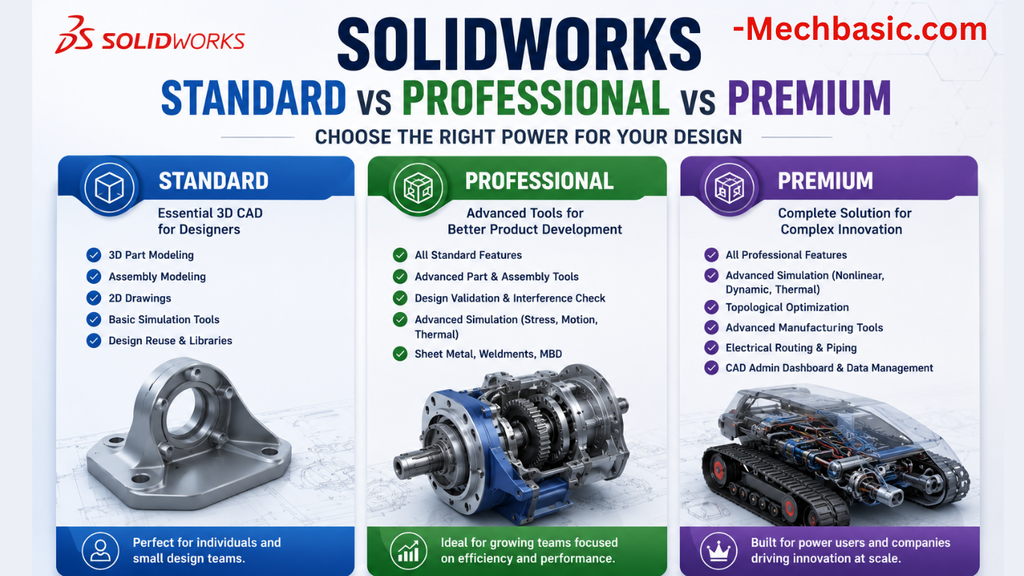
SolidWorks Standard vs Professional vs Premium: Full Feature Comparison
SolidWorks Standard vs Professional vs Premium: Full Feature Comparison Overview: SOLIDWORKS Package Overview SOLIDWORKS comes…
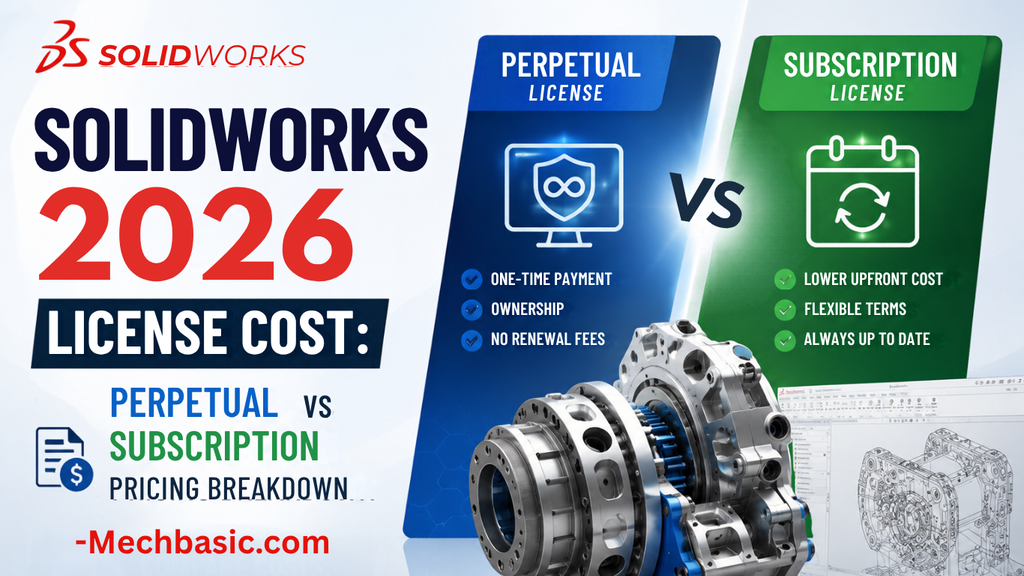
SolidWorks 2026 License Cost: Perpetual vs Subscription Pricing Breakdown
SolidWorks 2026 License Cost: Perpetual vs Subscription Pricing Breakdown Overview: SOLIDWORKS 2026 License Options SOLIDWORKS…

Flatness-GD&T | GD&T Tutorials

ANSI vs ISO Standards-Key Differences you need to know

Straightness-GD&T | GD&T Tutorials
Categories:




















