
Key Takeaways:
What is SOLIDWORKS?
SOLIDWORKS is a 3D Computer-Aided Design (CAD) software used to create, modify, and analyze mechanical parts, assemblies, and engineering drawings. It provides tools for 3D modeling, assembly design, simulation, rendering, and documentation, helping engineers develop and validate products before manufacturing.
Key Features of SOLIDWORKS:
- 3D Part Modeling – Create detailed mechanical components.
- Assembly Design – Combine multiple parts into complete products.
- 2D Engineering Drawings – Create manufacturing drawings with dimensions and annotations.
- Simulation & FEA – Analyze stress, deformation, thermal behavior, and other conditions.
- Sheet Metal & Weldments – Design fabricated components and structures.
- Motion Analysis – Study movement and forces in assemblies.
Applications:
SOLIDWORKS is widely used in mechanical engineering, automotive, aerospace, product design, manufacturing, robotics, and industrial equipment.
Key Takeaway
SOLIDWORKS = 3D CAD → Modeling → Assembly → Simulation → Engineering Drawings → Manufacturing
In this article:
What is SOLIDWORKS?
SOLIDWORKS is a professional 3D computer-aided design (CAD) software used to create, modify, analyze, document, and manufacture mechanical products and components.
It is widely used by mechanical engineers, product designers, manufacturing engineers, students, and engineering companies to develop products from initial concepts to detailed manufacturing drawings.
SOLIDWORKS uses parametric, feature-based modeling, which means dimensions and design features can be modified while maintaining relationships between different parts of the model.
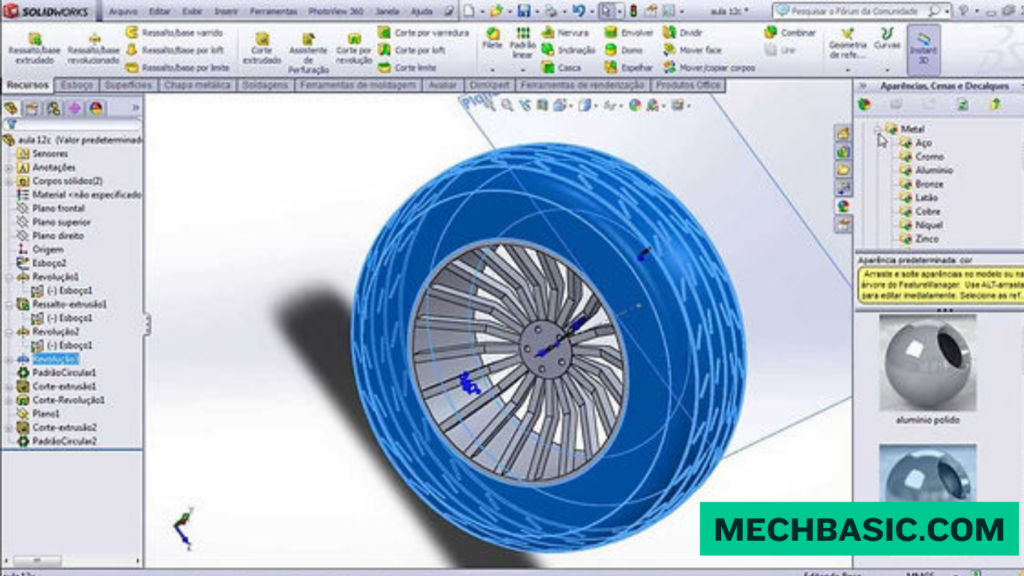
Dassault Systèmes SOLIDWORKS Official Page: Official software overview, modules, pricing, and system requirements.
Key Features of SOLIDWORKS
1. 3D Part Modeling
SOLIDWORKS allows engineers to create detailed 3D components using features such as:
- Extrude
- Revolve
- Sweep
- Loft
- Fillet
- Chamfer
- Hole
- Shell
- Pattern
These features can be combined to create complex mechanical parts.
2. Assembly Design
Multiple parts can be combined into an assembly to create a complete product.
SOLIDWORKS provides:
- Mates
- Subassemblies
- Component patterns
- Interference detection
- Assembly visualization
- Exploded views
Example
Bolt + Nut + Washer + Bracket= Mechanical Assembly
3. 2D Engineering Drawings
SOLIDWORKS can automatically generate 2D drawings from 3D models.
Drawings can include:
- Orthographic views
- Isometric views
- Section views
- Detail views
- Dimensions
- Tolerances
- Hole callouts
- Bill of Materials (BOM)
This makes it easier to communicate manufacturing requirements.
4. Sheet Metal Design
SOLIDWORKS provides dedicated tools for designing sheet-metal components.
Features include:
- Base flange
- Edge flange
- Sheet-metal bends
- Hem
- Jog
- Forming tools
- Flattened patterns
It can also generate flat patterns for manufacturing.
5. Weldments
The Weldments tools are useful for designing:
- Frames
- Machine structures
- Steel structures
- Supports
- Industrial equipment
Engineers can use structural members and create weldment-specific drawings and cut lists.
6. Surface Modeling
SOLIDWORKS provides advanced surface tools for creating complex shapes.
Common tools include:
- Boundary Surface
- Lofted Surface
- Swept Surface
- Filled Surface
- Knit Surface
Surface modeling is useful for products with complex or organic geometry.
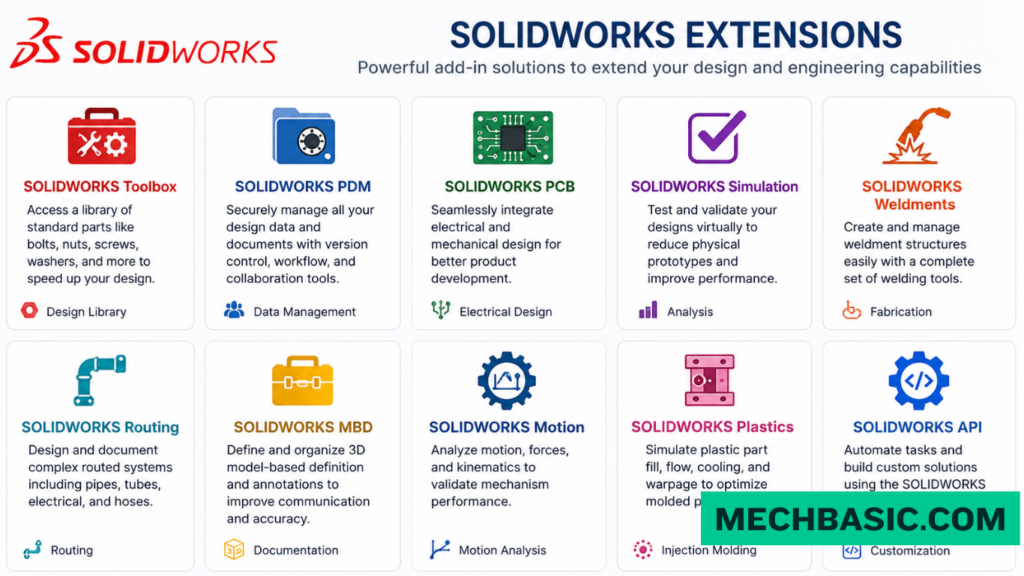
7. Simulation
SOLIDWORKS Simulation can be used to analyze engineering designs before physical testing.
Depending on the available package, engineers can perform analyses such as:
- Static analysis
- Thermal analysis
- Frequency analysis
- Buckling
- Fatigue
- Motion analysis
This helps engineers understand how a design may behave under different operating conditions.
8. Flow Simulation
SOLIDWORKS Flow Simulation enables engineers to study fluid and thermal behavior.
Applications include:
- Airflow
- Liquid flow
- Pressure distribution
- Heat transfer
- Cooling
- HVAC analysis
It can be particularly useful for evaluating thermal-management and fluid-flow problems.
9. SOLIDWORKS CAM
SOLIDWORKS CAM connects CAD design with computer-aided manufacturing.
It can help generate machining operations and CNC toolpaths directly from SOLIDWORKS models.
Typical applications include:
- Milling
- Drilling
- CNC manufacturing
- 2.5-axis machining
- 3-axis machining
10. Rendering and Visualization
SOLIDWORKS provides visualization and rendering capabilities for creating realistic representations of designs.
Engineers and designers can use rendering to evaluate:
- Product appearance
- Materials
- Colors
- Lighting
- Surface finishes
11. Sheet Metal and Manufacturing Tools
SOLIDWORKS includes tools specifically designed to support manufacturing workflows.
These can help with:
- Manufacturing drawings
- Sheet-metal flat patterns
- Weldment cut lists
- Cost estimation
- CNC manufacturing
- Design-for-manufacturing workflows
12. Data Management
SOLIDWORKS can integrate with product data management (PDM) solutions to manage engineering files and revisions.
This helps organizations control:
- CAD files
- Versions
- Revisions
- Design approvals
- User access
- Engineering documentation
Applications of SOLIDWORKS
SOLIDWORKS is used across many engineering and manufacturing industries.
1. Mechanical Engineering
Common applications include:
- Machine design
- Mechanical components
- Industrial equipment
- Pumps
- Valves
- Gearboxes
- Fixtures
2. Product Design
SOLIDWORKS is widely used to develop consumer and industrial products.
Examples include:
- Tools
- Appliances
- Equipment
- Enclosures
- Furniture components
- Product prototypes
3. Automotive Engineering
Applications include:
- Automotive components
- Brackets
- Engine components
- Chassis components
- Interior mechanisms
- EV components
- Battery enclosures
4. Aerospace Engineering
SOLIDWORKS can be used for:
- Aircraft components
- UAVs
- Structural components
- Mechanical systems
- Fixtures
- Prototypes
5. Manufacturing
Manufacturers use SOLIDWORKS for:
- Machine components
- CNC machining
- Tooling
- Jigs and fixtures
- Production drawings
- Manufacturing documentation
6. Robotics
SOLIDWORKS is useful for designing:
- Robot frames
- Robotic arms
- Grippers
- Gear mechanisms
- Mounting systems
- Automated machinery
7. Medical and Biomedical Design
Applications include:
- Medical devices
- Prosthetic components
- Surgical instruments
- Orthopedic devices
- Laboratory equipment
8. Electronics and Enclosure Design
SOLIDWORKS can be used to design:
- Electronic enclosures
- Heat sinks
- Cooling systems
- Mounting brackets
- Battery housings
- Consumer-electronics components
9. Energy and Industrial Equipment
Applications include:
- Pumps
- Turbines
- Heat exchangers
- Renewable-energy equipment
- Industrial machinery
- Power-generation components
SOLIDWORKS Design Workflow
A typical engineering workflow looks like:
Concept
↓
3D Part Modeling
↓
Assembly
↓
Simulation / Analysis
↓
Design Optimization
↓
2D Engineering Drawing
↓
Manufacturing
↓
Final Product
This integration makes SOLIDWORKS useful throughout much of the product-development process.
Who Uses SOLIDWORKS?
SOLIDWORKS is commonly used by:
- Mechanical Engineers
- CAD Designers
- Product Designers
- Manufacturing Engineers
- Design Engineers
- Industrial Designers
- Robotics Engineers
- Automotive Engineers
- Aerospace Engineers
- Engineering Students
Why Learn SOLIDWORKS?
Learning SOLIDWORKS can help develop skills in:
- 3D CAD modeling
- Mechanical design
- Assembly design
- Engineering drawings
- Product development
- Design for manufacturing
- CAD-based problem solving
It is also widely used in engineering education and industry, making it a valuable skill for students pursuing mechanical design and manufacturing careers.
Summary
| Aspect | SOLIDWORKS |
|---|---|
| Type | 3D CAD software |
| Main Purpose | Mechanical design and engineering |
| Modeling | Parametric 3D modeling |
| Parts | ✅ |
| Assemblies | ✅ |
| 2D Drawings | ✅ |
| Sheet Metal | ✅ |
| Weldments | ✅ |
| Surface Modeling | ✅ |
| Simulation | ✅ |
| Flow Simulation | ✅ |
| CAM | ✅ |
| Rendering | ✅ |
| Data Management | ✅ |
Conclusion
SOLIDWORKS is a powerful 3D CAD platform for designing and developing mechanical products. Its combination of part modeling, assembly design, engineering drawings, sheet metal, weldments, simulation, flow analysis, CAM, and visualization makes it suitable for a wide range of engineering applications.
For students and professionals interested in mechanical engineering, product design, manufacturing, robotics, automotive, or industrial equipment, SOLIDWORKS is an important CAD skill to learn.
Latest articles:

Flatness-GD&T | GD&T Tutorials

ANSI vs ISO Standards-Key Differences you need to know

Straightness-GD&T | GD&T Tutorials
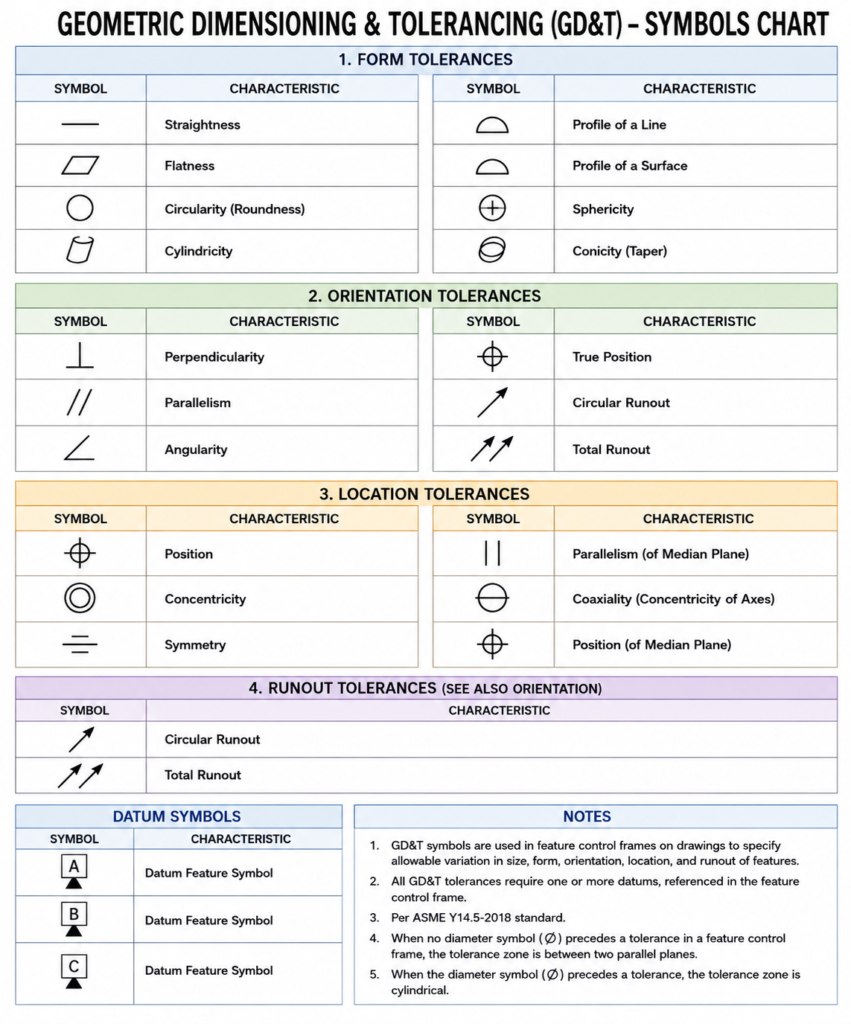
GD&T Symbols chart- Free download | GD&T
Geometric Dimensioning and Tolerancing (GD&T) is a standardized system used in engineering drawings to define…
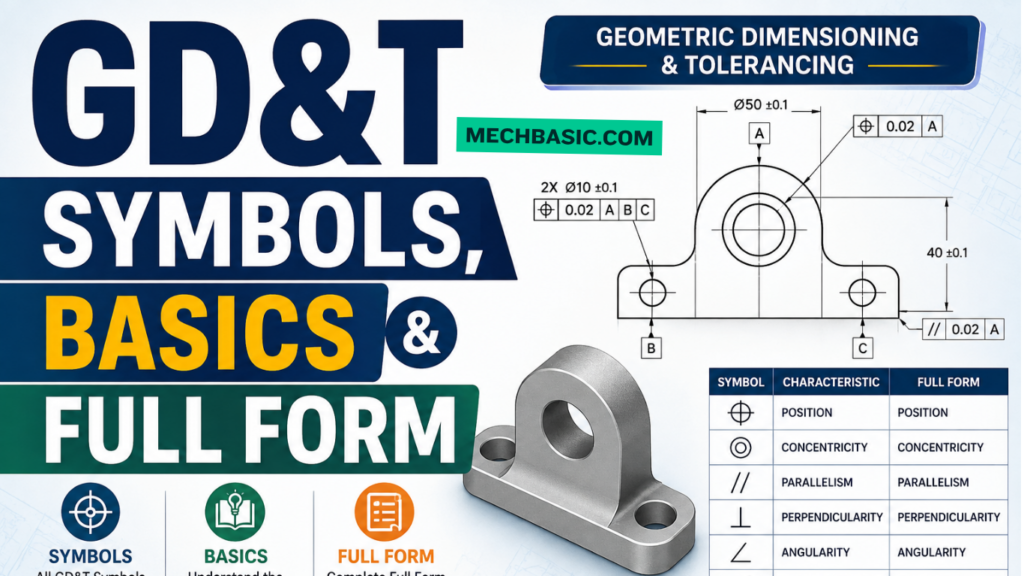
GD&T Symbols, Basics and full form
Can I convert a DXF to STL?
Can I convert a DXF to STL? Can I Convert a DXF to STL? Yes,…
Related Tags:
Categories:




















