
Key Takeaways:
What is 3D CAD Software?
3D CAD software is used to create, modify, analyze, and visualize three-dimensional models of products and components. It enables engineers and designers to develop accurate digital prototypes before manufacturing.
Popular 3D CAD Software
| Software | Primary Use |
|---|---|
| SolidWorks | Mechanical design and assemblies |
| Autodesk Fusion 360 | Product design, CAD/CAM, and simulation |
| CATIA | Aerospace, automotive, and complex product design |
| PTC Creo | Parametric product design and manufacturing |
| Siemens NX | Advanced engineering design and simulation |
| Autodesk Inventor | Mechanical design and manufacturing |
| Onshape | Cloud-based collaborative 3D CAD |
| FreeCAD | Open-source parametric 3D modeling |
| SketchUp Pro | Architectural and interior 3D modeling |
| Rhino 3D | Industrial design and product modeling |
Features of 3D CAD Software:
- Parametric 3D modeling
- Assembly design
- Surface and solid modeling
- Sheet metal design
- Simulation and analysis
- Rendering and visualization
- Motion and animation
- Engineering drawings and documentation
Advantages of 3D CAD Software:
3D CAD software improves design accuracy, reduces product development time, enables virtual testing, simplifies design modifications, and enhances collaboration among engineering teams.
Applications of 3D CAD Software:
- Mechanical Engineering
- Automotive Design
- Aerospace Engineering
- Product Development
- Industrial Design
- Architecture and Construction
- Robotics
- Medical Device Design
- Consumer Electronics
- 3D Printing and Additive Manufacturing
Key Takeaways:
3D CAD software allows engineers and designers to create realistic digital models, validate designs through simulation, and produce detailed engineering documentation. It plays a vital role in modern product development and manufacturing.
In this article:
3D CAD Software
3D CAD (Computer-Aided Design) software is a specialized computer application used to create, modify, analyze, and visualize three-dimensional (3D) digital models of products, machines, buildings, and components. Unlike 2D CAD software, which creates flat technical drawings, 3D CAD software enables designers and engineers to build realistic models that accurately represent the shape, size, and structure of an object.
3D CAD software plays a vital role in mechanical engineering, architecture, aerospace, automotive, civil engineering, manufacturing, industrial design, and product development. It allows users to design complex parts, assemble multiple components, perform simulations, generate manufacturing drawings, and prepare models for CNC machining or 3D printing.
Modern 3D CAD software often integrates with Computer-Aided Engineering (CAE) and Computer-Aided Manufacturing (CAM), making it an essential tool throughout the product development lifecycle.
What is 3D CAD Software?
3D CAD software is a computer program used to create accurate three-dimensional models of objects. It allows users to visualize products from any angle, modify designs easily, perform engineering analysis, and generate production-ready documentation.
Unlike traditional drafting, 3D CAD creates a complete digital representation of an object, including its geometry, dimensions, material properties, and assembly relationships.
Main Functions of 3D CAD Software
- Create 3D solid models
- Develop surface and mesh models
- Design assemblies
- Generate 2D drawings from 3D models
- Perform interference and collision checks
- Apply materials and textures
- Create exploded assembly views
- Prepare models for manufacturing and 3D printing
Popular 3D CAD Software
Different industries use different 3D CAD applications depending on their design and manufacturing requirements.
1. SolidWorks
Developer: Dassault Systèmes
Features
- Parametric modeling
- Assembly design
- Sheet metal tools
- Weldment design
- Motion simulation
- Finite Element Analysis (FEA)
Best For
- Mechanical engineering
- Product design
- Manufacturing
2. Autodesk Inventor
Developer: Autodesk
Features
- Mechanical part modeling
- Assembly design
- Drawing generation
- Simulation
- Tube and pipe design
Best For
- Machine design
- Industrial equipment
- Manufacturing
3. CATIA
Developer: Dassault Systèmes
Features
- Advanced surface modeling
- Complex assemblies
- Product lifecycle management (PLM)
- Reverse engineering
- Composite design
Best For
- Aerospace
- Automotive
- Industrial equipment
4. Siemens NX
Developer: Siemens Digital Industries Software
Features
- Integrated CAD, CAM, and CAE
- Parametric modeling
- Surface design
- Manufacturing tools
- Simulation
Best For
- Aerospace
- Automotive
- High-end manufacturing
5. PTC Creo
Developer: PTC
Features
- Parametric design
- Direct modeling
- Simulation
- Additive manufacturing tools
- Mechanism design
Best For
- Mechanical engineering
- Product development
6. Fusion 360
Developer: Autodesk
Features
- Cloud-based collaboration
- CAD, CAM, and CAE integration
- Generative design
- Electronics design
- Simulation
Best For
- Startups
- Product designers
- Small businesses
- Education
7. FreeCAD
Features
- Open-source
- Parametric modeling
- Python scripting
- Technical drawings
- Modular workbenches
Best For
- Students
- Researchers
- Mechanical design
- Hobby projects
8. Onshape
Features
- Cloud-native platform
- Real-time collaboration
- Version control
- Parametric modeling
Best For
- Distributed engineering teams
- Product development
- Education
9. Rhino 3D
Features
- NURBS modeling
- Surface design
- Rendering
- Plugin support
Best For
- Industrial design
- Jewelry design
- Architecture
- Marine engineering
10. Blender
Features
- 3D modeling
- Sculpting
- Animation
- Rendering
- Open-source
Best For
- Product visualization
- Concept modeling
- Animation
- Game asset creation
Features of 3D CAD Software
Modern 3D CAD software includes powerful tools for design, analysis, and manufacturing.
1. Solid Modeling
Create complete 3D models with defined volume, mass, and material properties.
2. Surface Modeling
Design complex curved surfaces for products such as aircraft, automobiles, and consumer electronics.
3. Parametric Modeling
Design dimensions and relationships are controlled by parameters, allowing automatic updates when changes are made.
4. Assembly Modeling
Combine multiple components into complete assemblies to verify fit, alignment, and movement.
5. Drawing Generation
Automatically generate:
- Orthographic views
- Section views
- Isometric views
- Detail views
- Assembly drawings
from 3D models.
6. Simulation and Analysis
Many applications provide tools for:
- Stress analysis
- Thermal analysis
- Motion analysis
- Vibration analysis
- Fluid flow analysis
7. Rendering and Visualization
Produce realistic images using:
- Materials
- Lighting
- Shadows
- Reflections
- Textures
8. Sheet Metal Design
Design sheet metal parts with automatic unfolding and bend calculations.
9. File Compatibility
Common supported formats include:
- STEP
- IGES
- STL
- OBJ
- DWG
- DXF
- Parasolid
10. Manufacturing Integration
3D CAD models can be directly used for:
- CNC machining
- CAM programming
- 3D printing
- Robotics
- Automated manufacturing
Advantages of 3D CAD Software
Using 3D CAD software provides many benefits over traditional 2D drafting.
1. Better Visualization
Three-dimensional models provide a realistic view of products before manufacturing.
2. Improved Design Accuracy
Accurate modeling reduces design errors and improves product quality.
3. Faster Product Development
Design modifications can be made quickly, reducing development time.
4. Easy Design Modification
Parametric models update automatically when dimensions or features change.
5. Reduced Manufacturing Errors
Interference checking and simulations identify problems before production.
6. Enhanced Collaboration
Digital models are easy to share with engineering teams, suppliers, and clients.
7. Automatic Drawing Creation
2D engineering drawings can be generated directly from 3D models, saving time and ensuring consistency.
8. Improved Manufacturing Integration
3D CAD models integrate seamlessly with CNC machining, CAM software, and additive manufacturing.
9. Cost Savings
Early detection of design issues reduces material waste, rework, and production costs.
10. Better Product Quality
Simulation and validation tools help optimize product performance before manufacturing.
Applications of 3D CAD Software
3D CAD software is used in many engineering and design disciplines.
1. Mechanical Engineering
- Machine component design
- Gear systems
- Shafts
- Assemblies
- Manufacturing drawings
2. Automotive Engineering
- Vehicle body design
- Engine components
- Chassis
- Suspension systems
- Transmission assemblies
3. Aerospace Engineering
- Aircraft structures
- Turbine blades
- Aircraft engines
- Spacecraft components
4. Architecture
- Building Information Modeling (BIM)
- Interior layouts
- Structural visualization
- Construction planning
5. Civil Engineering
- Bridges
- Infrastructure
- Utility systems
- Structural components
6. Manufacturing
- Mold design
- Die design
- CNC machining
- Production tooling
7. Product Design
- Consumer electronics
- Household appliances
- Furniture
- Packaging
8. Medical Engineering
- Prosthetics
- Medical implants
- Surgical instruments
- Diagnostic equipment
9. Industrial Design
- Consumer products
- Industrial equipment
- Ergonomic studies
- Concept development
10. 3D Printing
- Rapid prototyping
- Functional prototypes
- Custom manufacturing
- Educational models
Comparison of Popular 3D CAD Software
| Software | Best For | Key Features |
|---|---|---|
| SolidWorks | Mechanical design | Parametric modeling, assemblies, simulation |
| Autodesk Inventor | Machine design | Mechanical modeling, drawing generation |
| CATIA | Aerospace, automotive | Advanced surfacing, PLM |
| Siemens NX | Enterprise engineering | CAD, CAM, CAE integration |
| Creo | Mechanical engineering | Parametric design, simulation |
| Fusion 360 | Product development | Cloud collaboration, CAM, generative design |
| FreeCAD | Education, hobbyists | Open-source, parametric modeling |
| Onshape | Cloud collaboration | Browser-based CAD, version control |
| Rhino 3D | Surface modeling | NURBS modeling, rendering |
| Blender | Visualization | 3D modeling, rendering, animation |
Summary Table
| Aspect | Description |
|---|---|
| Full Form | Three-Dimensional Computer-Aided Design Software |
| Primary Purpose | Create and edit 3D digital models |
| Main Users | Engineers, architects, designers, manufacturers |
| Common Outputs | 3D models, assemblies, technical drawings |
| Common File Formats | STEP, IGES, STL, DWG, DXF, OBJ |
| Major Benefits | Visualization, accuracy, simulation, manufacturing integration |
Frequently Asked Questions (FAQs)
1. What is 3D CAD software?
3D CAD software is a computer application used to create, modify, analyze, and document three-dimensional digital models for engineering, architecture, manufacturing, and product design.
2. How is 3D CAD different from 2D CAD?
2D CAD creates flat technical drawings, while 3D CAD creates complete three-dimensional models that can be viewed, analyzed, and simulated from different angles.
3. Which industries use 3D CAD software?
3D CAD software is widely used in mechanical engineering, aerospace, automotive, architecture, civil engineering, manufacturing, medical engineering, and industrial design.
4. Which 3D CAD software is best for beginners?
Fusion 360 and FreeCAD are popular beginner-friendly options, while SolidWorks is widely used in engineering education and industry.
5. Can 3D CAD software generate 2D drawings?
Yes. Most modern 3D CAD programs can automatically generate orthographic views, sections, dimensions, and assembly drawings from 3D models.
6. Is 3D CAD software used for 3D printing?
Yes. 3D CAD models are commonly exported as STL files for additive manufacturing and rapid prototyping.
7. What file formats are supported by 3D CAD software?
Common formats include STEP, IGES, STL, DWG, DXF, OBJ, and Parasolid.
8. What is parametric modeling?
Parametric modeling is a design approach where dimensions and relationships control the model, allowing automatic updates when parameters change.
9. Can 3D CAD software perform engineering simulations?
Many advanced 3D CAD applications include or integrate with tools for stress analysis, thermal analysis, motion studies, and fluid flow simulation.
10. Why is 3D CAD software important?
3D CAD software improves visualization, enhances design accuracy, speeds product development, supports simulation, reduces manufacturing errors, and integrates directly with modern manufacturing technologies.
Conclusion
3D CAD software has transformed the way engineers, architects, and designers create and develop products by enabling accurate three-dimensional modeling, simulation, and visualization. Applications such as SolidWorks, Autodesk Inventor, CATIA, Siemens NX, Creo, Fusion 360, FreeCAD, Onshape, Rhino 3D, and Blender offer specialized tools for different industries and design needs. With features such as parametric modeling, assembly design, rendering, simulation, and manufacturing integration, 3D CAD software improves productivity, reduces design errors, and accelerates product development. Mastering 3D CAD is an essential skill for professionals seeking careers in engineering, manufacturing, architecture, and industrial design, as it provides the foundation for creating innovative, efficient, and high-quality products.
Autodesk Tinkercad: A free browser-based 3D design and modeling tool ideal for beginners, STEM projects, and 3D printing prep.
Related articles:
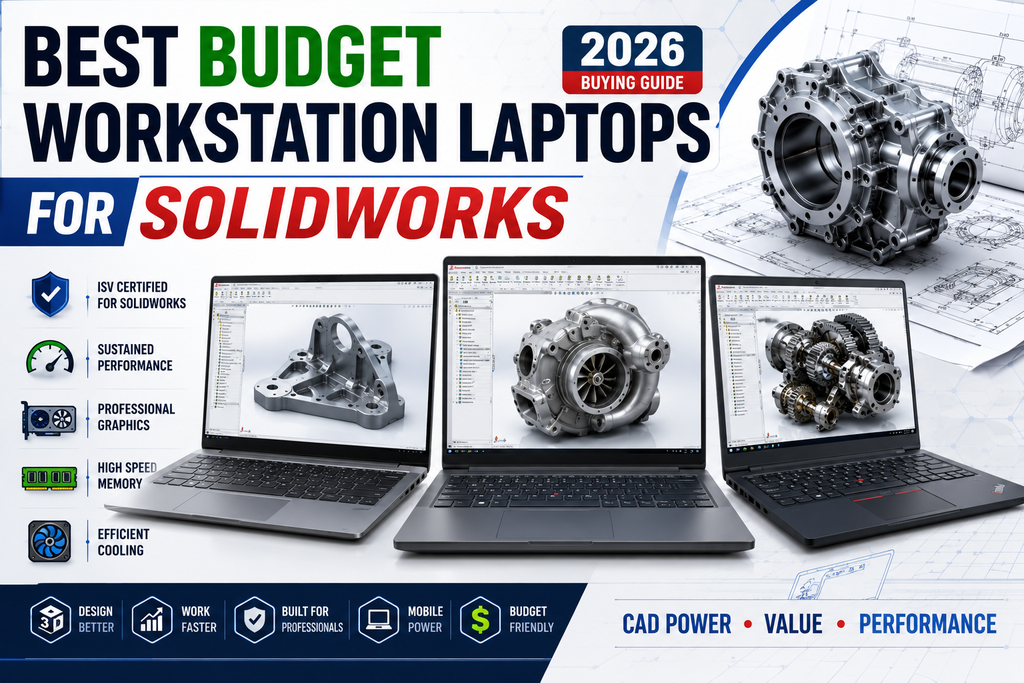
Best Budget Workstation Laptops for SolidWorks and Heavy 3D Assembly Modeling
Best Budget Workstation Laptops for SolidWorks and Heavy 3D Assembly Modeling Overview What Does SOLIDWORKS…
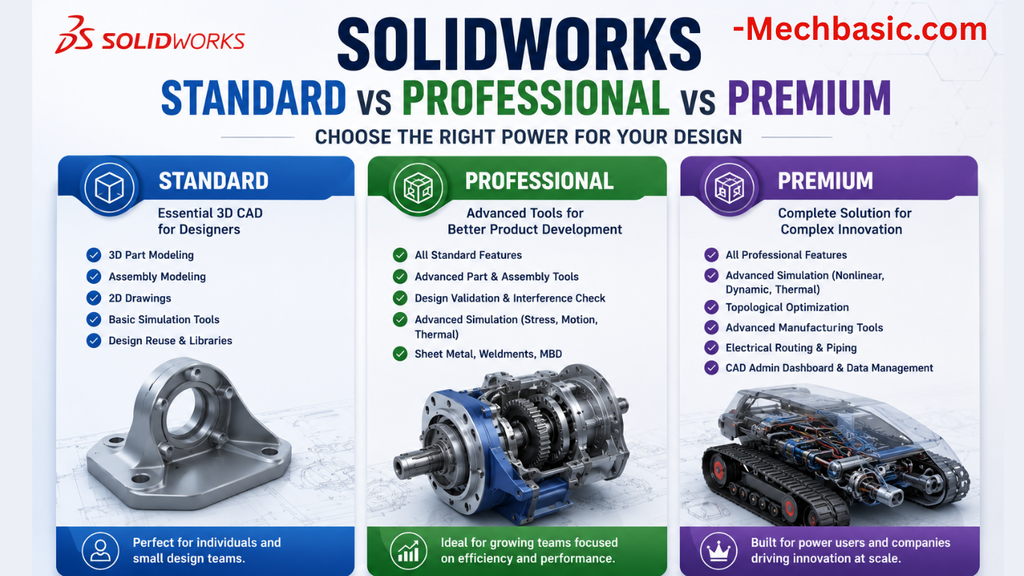
SolidWorks Standard vs Professional vs Premium: Full Feature Comparison
SolidWorks Standard vs Professional vs Premium: Full Feature Comparison Overview: SOLIDWORKS Package Overview SOLIDWORKS comes…
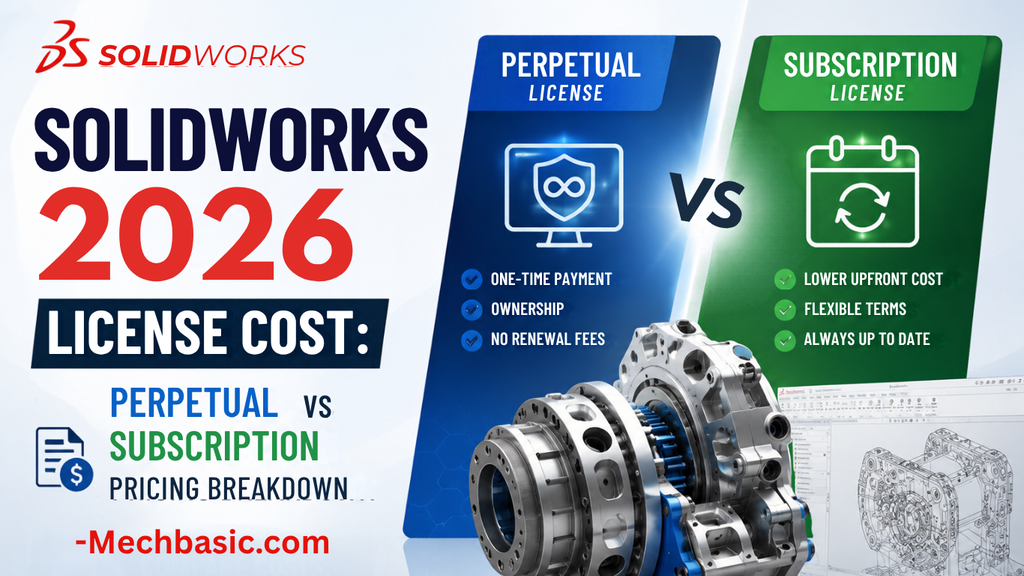
SolidWorks 2026 License Cost: Perpetual vs Subscription Pricing Breakdown
SolidWorks 2026 License Cost: Perpetual vs Subscription Pricing Breakdown Overview: SOLIDWORKS 2026 License Options SOLIDWORKS…

Flatness-GD&T | GD&T Tutorials

ANSI vs ISO Standards-Key Differences you need to know

Straightness-GD&T | GD&T Tutorials
Categories:




















