
Key Takeaways:
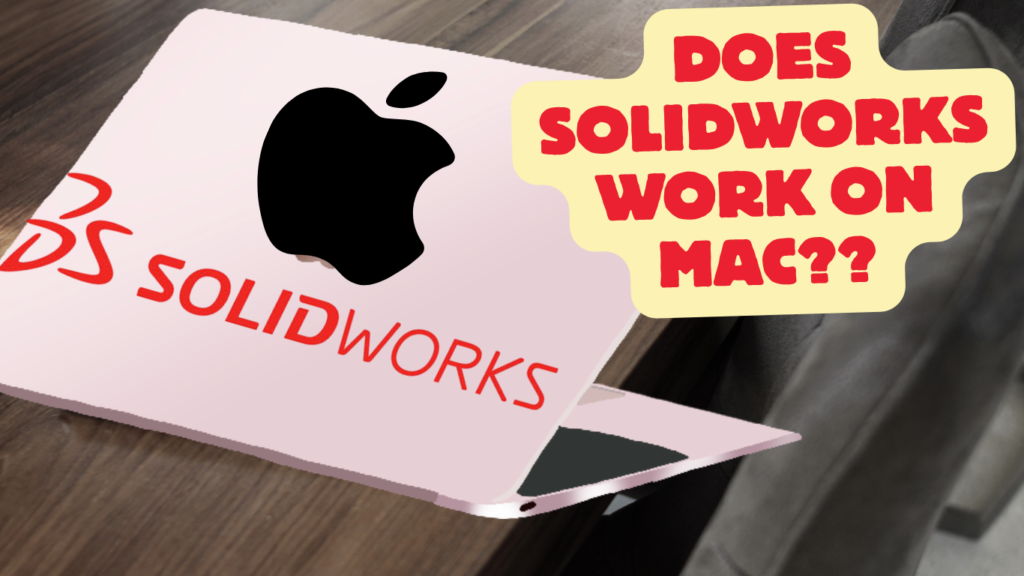
Does SOLIDWORKS Work on Mac?
SOLIDWORKS does not have official native support for macOS. Current SOLIDWORKS desktop versions are officially supported on Windows 10/11, while eDrawings is available for Mac.
Ways to Use SOLIDWORKS on a Mac:
- Windows on Mac: Run SOLIDWORKS through a Windows environment.
- Virtual Machine: Tools such as Parallels Desktop can be used, although performance and compatibility can vary.
- eDrawings for Mac: Useful for opening, viewing, and reviewing SOLIDWORKS files, but it is not the full SOLIDWORKS CAD application. (
Key Takeaway
SOLIDWORKS → Windows officially supported
macOS → Not natively supported
eDrawings → Available on Mac
Virtual Windows → Possible, but check compatibility/performance
In this article:
Does SOLIDWORKS Work on Mac?
Yes—but not as a native macOS desktop application. The current SOLIDWORKS desktop application is supported on Windows, while SOLIDWORKS provides several ways to use its design tools from a Mac.
For the full desktop SOLIDWORKS experience, a Windows PC/workstation remains the recommended option, particularly for demanding mechanical CAD work because graphics compatibility and performance can be limiting on Macs.
Ways to Use SOLIDWORKS on a Mac
1. Use Parallels Desktop + Windows
One option is to run Windows in a virtual machine using Parallels Desktop and then install SOLIDWORKS inside Windows.
Workflow
Mac
↓
Parallels Desktop
↓
Windows
↓
SOLIDWORKS
SOLIDWORKS currently lists Parallels Desktop 26.0.1 on Mac among its supported virtual-environment configurations for SOLIDWORKS 2026.
Parallels Desktop for Mac: Official setup guide and performance recommendations for running SOLIDWORKS on macOS via Windows 11 virtualization.
Advantages
- Keeps macOS as your main operating system
- Allows Windows applications to run alongside Mac applications
- Convenient for students and occasional CAD work
Disadvantages
- Uses additional RAM and CPU resources
- Graphics performance can be lower than a dedicated Windows workstation
- Some SOLIDWORKS functionality may be limited
- Hardware/graphics certification needs careful consideration
2. Use Windows Through Boot Camp
On compatible Intel-based Macs, Windows can be installed using Apple’s Boot Camp approach, allowing the Mac to boot directly into Windows.
Workflow
Mac
↓
Boot into Windows
↓
Install SOLIDWORKS
↓
Run SOLIDWORKS
This provides a more direct Windows environment than virtualization.
Important
Apple’s newer Apple-silicon Macs do not use the traditional Boot Camp setup, so this method is mainly relevant to older Intel Macs.
Also, SOLIDWORKS’ current support documentation specifically notes that Macs running Windows through Boot Camp are not supported.
3. Use SOLIDWORKS Browser-Based Tools
SOLIDWORKS also offers browser-based design tools that can run on a Mac without installing the traditional Windows desktop application.
The SOLIDWORKS Cloud offerings provide browser-based capabilities for areas including:
- Parametric design
- Freeform design
- Sheet metal
- Structural design
- Rendering
- Manufacturing detailing
- Collaboration
- Data management
Best For
- Students
- Learning CAD
- Mac users
- Collaborative design
- Users who don’t want to install Windows
This is one of the most convenient options if you specifically want to work from macOS.
4. Use eDrawings on Mac
If you don’t need to create or fully edit SOLIDWORKS models, eDrawings is available for macOS.
It can be useful for:
- Viewing SOLIDWORKS models
- Reviewing assemblies
- Viewing drawings
- Sharing designs
- Basic design communication
However, eDrawings is not a replacement for the full SOLIDWORKS CAD application.
Mac vs. Windows for SOLIDWORKS
| Feature | Mac | Windows PC |
|---|---|---|
| Native SOLIDWORKS desktop app | ❌ | ✅ |
| SOLIDWORKS through virtualization | ✅ | — |
| Browser-based SOLIDWORKS tools | ✅ | ✅ |
| eDrawings | ✅ | ✅ |
| Full desktop CAD experience | Limited/workarounds | ⭐⭐⭐⭐⭐ |
| Graphics compatibility | More complicated | ⭐⭐⭐⭐⭐ |
| Professional mechanical CAD | Possible with limitations | Recommended |
Which Method Should You Use?
Student
Browser-based SOLIDWORKS or Parallels + Windows
Good if you’re primarily learning part modeling, assemblies, and drawings.
Professional Engineer
Windows workstation ⭐
This is the safest choice for demanding professional SOLIDWORKS work.
Mac User Who Only Needs to View Models
eDrawings for Mac
is a convenient option.
User Who Wants Cloud-Based CAD
Use the SOLIDWORKS browser-based/cloud tools.
Latest articles:

Flatness-GD&T | GD&T Tutorials

ANSI vs ISO Standards-Key Differences you need to know

Straightness-GD&T | GD&T Tutorials
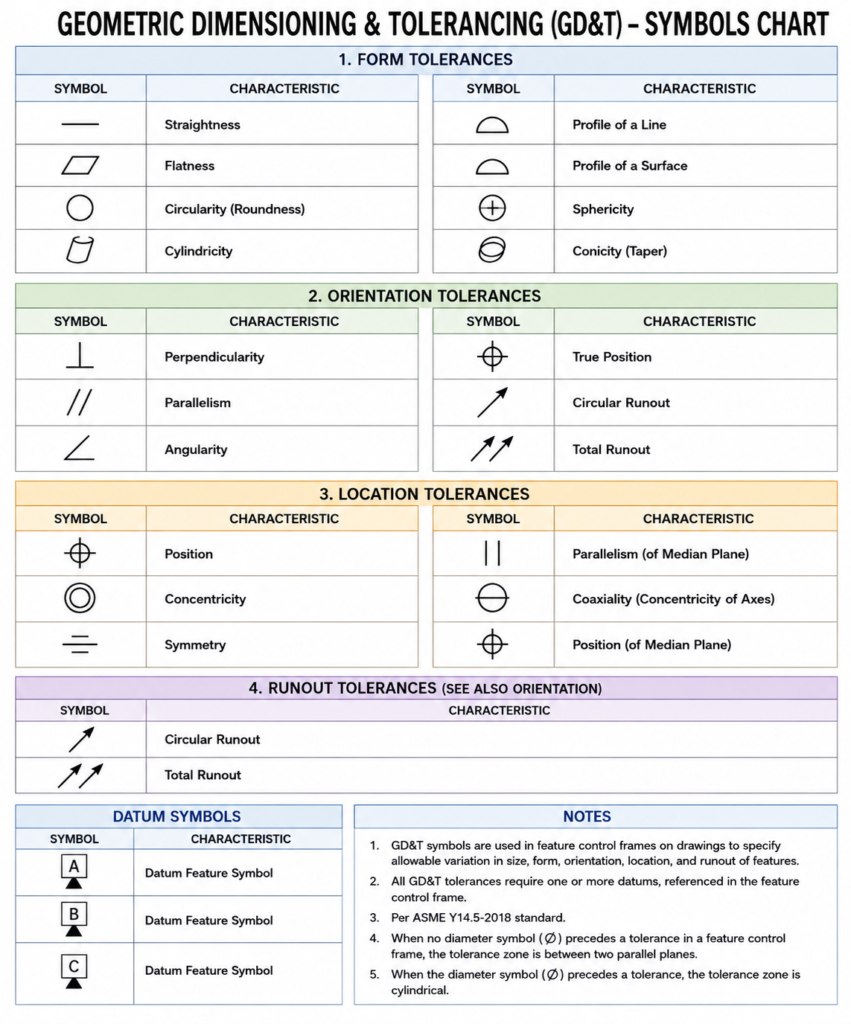
GD&T Symbols chart- Free download | GD&T
Geometric Dimensioning and Tolerancing (GD&T) is a standardized system used in engineering drawings to define…
GD&T Symbols, Basics and full form
Can I convert a DXF to STL?
Can I convert a DXF to STL? Can I Convert a DXF to STL? Yes,…
Related Tags:
Categories:




















