
You can learn the basics of AutoCAD in 1–2 months with regular practice.
Intermediate skills usually take 3–6 months to develop.
Becoming highly proficient may require 6 months to 1 year of practical experience.
In this article:
- How Many Months Does It Take to Learn AutoCAD?
- Level 1: Basic AutoCAD (1–4 Weeks)
- Level 2: Intermediate AutoCAD (1–3 Months)
- Level 3: Job-Ready AutoCAD Skills (3–6 Months)
- Level 4: Advanced AutoCAD (6–12 Months)
- Level 5: Expert AutoCAD User (1–2 Years)
- Learning Speed Based on Study Time
- For Mechanical Engineering Students
- What Matters More Than Months?
- Recommended Practice Projects
- Can You Learn AutoCAD Without an Engineering Degree?
- Conclusion
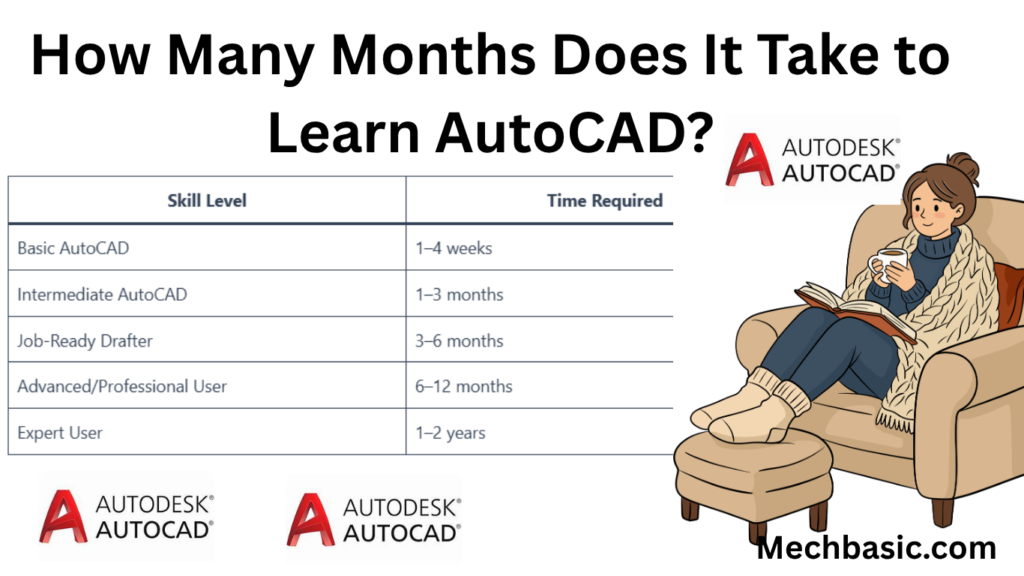
How Many Months Does It Take to Learn AutoCAD?
The time required to learn AutoCAD depends on:
- Your background (engineering, architecture, beginner)
- How many hours you practice each week
- Whether you want basic, intermediate, or professional-level skills
- Whether you are learning only 2D drafting or also 3D modeling
| Skill Level | Time Required |
|---|---|
| Basic AutoCAD | 1–4 weeks |
| Intermediate AutoCAD | 1–3 months |
| Job-Ready Drafter | 3–6 months |
| Advanced/Professional User | 6–12 months |
| Expert User | 1–2 years |
Level 1: Basic AutoCAD (1–4 Weeks)
What You Learn
- AutoCAD interface
- Drawing commands
- Editing commands
- Layers
- Dimensions
- Printing and PDF export
Commands
- LINE
- CIRCLE
- RECTANGLE
- MOVE
- COPY
- TRIM
- EXTEND
- OFFSET
What You Can Do
✔ Create simple 2D drawings
✔ Add dimensions and notes
✔ Draw basic machine parts or floor plans
Level 2: Intermediate AutoCAD (1–3 Months)
What You Learn
- Advanced drafting
- Blocks
- Dynamic blocks
- Layouts and viewports
- Templates
- Layer management
- Industry drafting standards
What You Can Do
✔ Create professional engineering drawings
✔ Produce construction drawings
✔ Work with existing CAD projects
✔ Create detailed documentation
Level 3: Job-Ready AutoCAD Skills (3–6 Months)
What You Learn
- Industry standards
- Dimensioning practices
- Tolerances
- Drawing interpretation
- Real projects
Mechanical Field
- Assembly drawings
- Manufacturing drawings
- Section views
Civil Field
- Site plans
- Structural layouts
Architecture
- Building plans
- Elevations
- Sections
What You Can Do
✔ Work as a CAD Drafter
✔ Assist engineers and architects
✔ Prepare production drawings
Level 4: Advanced AutoCAD (6–12 Months)
What You Learn
- Advanced 3D modeling
- Parametric drawing
- CAD standards management
- Complex projects
- Workflow optimization
What You Can Do
✔ Handle large projects
✔ Train junior users
✔ Develop professional drawing systems
Level 5: Expert AutoCAD User (1–2 Years)
Skills
- Advanced customization
- Automation
- Industry-specific workflows
- Complex design projects
- CAD management
What You Can Do
✔ Lead CAD teams
✔ Create company standards
✔ Manage large engineering projects
Learning Speed Based on Study Time
1 Hour per Day
Basic skills:
- About 1–2 months
Job-ready:
- About 6–12 months
2–3 Hours per Day
Basic skills:
- 2–4 weeks
Job-ready:
- 3–6 months
4–6 Hours per Day
Basic skills:
- 1–2 weeks
Intermediate:
- 1–2 months
Job-ready:
- 2–4 months
For Mechanical Engineering Students
If your goal is manufacturing or design engineering:
Month 1
Learn:
- 2D drafting
- Layers
- Dimensions
- Editing tools
Month 2
Learn:
- Assembly drawings
- Section views
- Manufacturing standards
Month 3
Practice:
- Brackets
- Gears
- Flanges
- Machine components
After about 3 months of consistent practice, many mechanical engineering students can create professional-quality drawings.
What Matters More Than Months?
Practice is more important than time.
Example
Student A
Studies AutoCAD for 6 months but practices rarely.
Result:
- Slow progress
Student B
Studies AutoCAD for 2 months and practices daily.
Result:
- Learns much faster
Recommended Practice Projects
Beginner
- Washer
- Plate
- Nut
- Bolt
Intermediate
- Bracket
- Flange
- Shaft assembly
Advanced
- Gearbox assembly
- Machine frame
- Plant layout
Can You Learn AutoCAD Without an Engineering Degree?
Yes.
Many people learn AutoCAD through:
- Technical courses
- Vocational training
- Online learning
- Self-study
However, combining AutoCAD with engineering or construction knowledge usually leads to better career opportunities.
Conclusion
You can learn the basics of AutoCAD in 1–4 weeks, become intermediate in 1–3 months, and become job-ready in about 3–6 months with regular practice. For most students and professionals, 3 months of consistent learning and project work is enough to gain solid AutoCAD skills and start using it effectively in engineering, manufacturing, construction, or design careers.
Other courses:





