
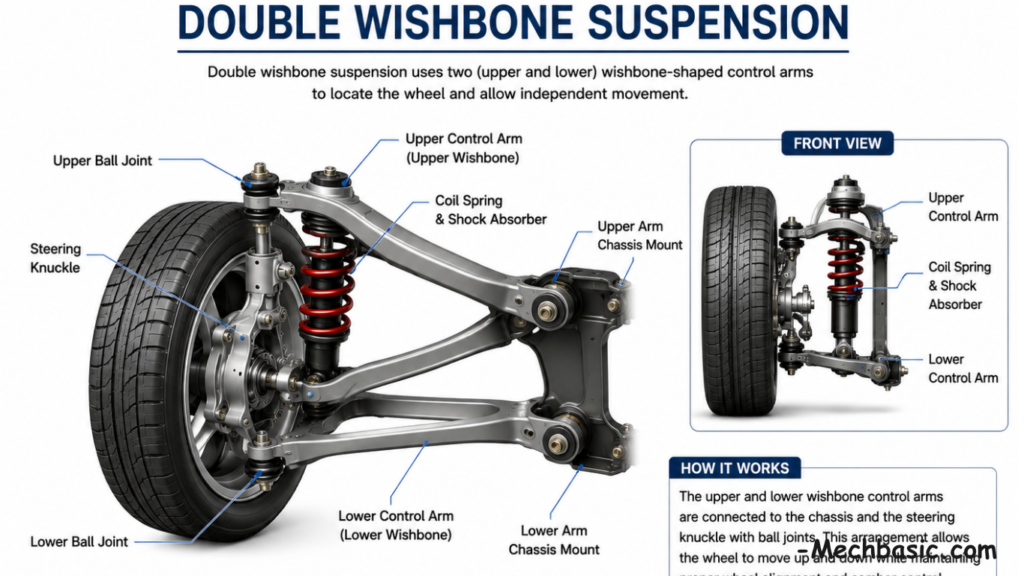
“Suspension Systems: McPherson Strut and Double Wishbone.”
McPherson strut suspension is simple, lightweight, and widely used in passenger cars for its compact design. Double wishbone suspension uses […]

McPherson strut suspension is simple, lightweight, and widely used in passenger cars for its compact design. Double wishbone suspension uses […]
Additive manufacturing (3D printing) builds parts layer by layer, while traditional manufacturing removes or shapes material using machining, casting, or
What are the 7 Types of Lines in Technical Drawing? Technical drawings use different types of lines to represent visible
What is Line Weight in Drawing? Line weight (also called line thickness) is the thickness or width of a line
What are the Different Types of Line Weight? Line weight refers to the thickness (width) of lines used in technical
Lineweight in AutoCAD is the thickness assigned to lines in a drawing.It helps improve the clarity, readability, and appearance of
To set a 1:400 scale in AutoCAD, you usually set it in a Layout (paper space) viewport, not in model
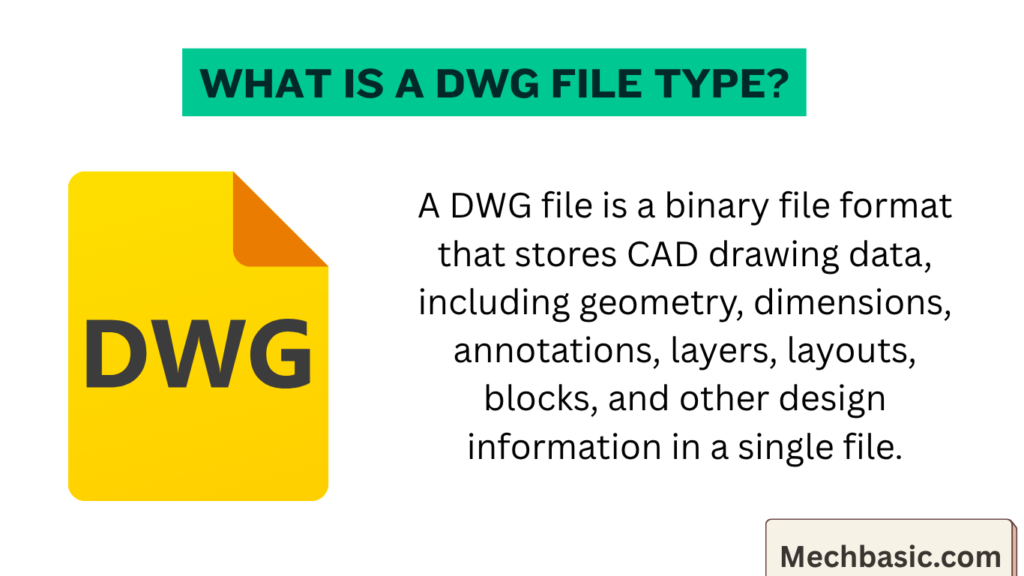
What is a DWG File Type? Introduction A DWG file is the native file format of AutoCAD, developed by Autodesk,
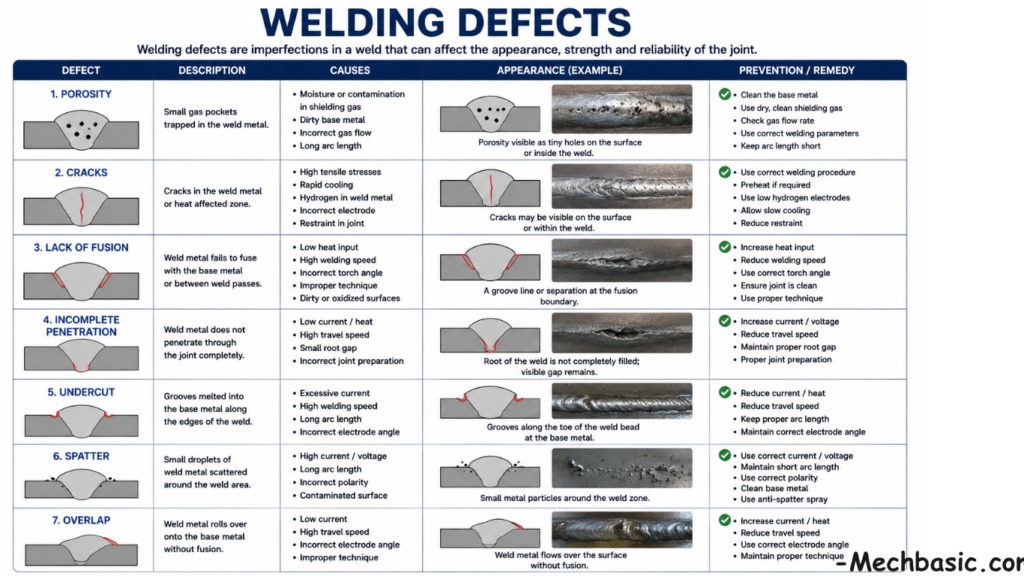
Welding defects include cracks, porosity, slag inclusions, undercut, and lack of fusion caused by improper welding conditions.Common causes are incorrect
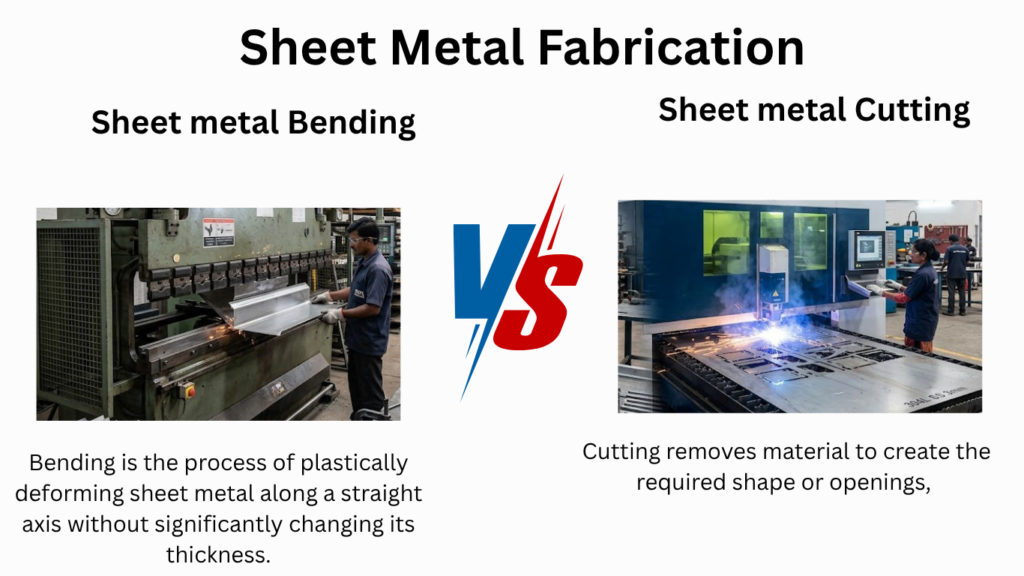
Sheet metal fabrication involves cutting, bending, and shaping thin metal sheets into useful components.Common cutting methods include shearing, laser cutting,




