
AutoCAD is a computer-aided design (CAD) software used for creating 2D drawings and 3D models.
It is widely used in engineering, architecture, and manufacturing industries for precise design work.
AutoCAD helps improve accuracy, speed, and efficiency in drafting and design processes.
In this article:
AutoCAD Overview
What is AutoCAD?
AutoCAD is a computer-aided design (CAD) software developed by Autodesk used to create 2D drawings and 3D models with high precision.
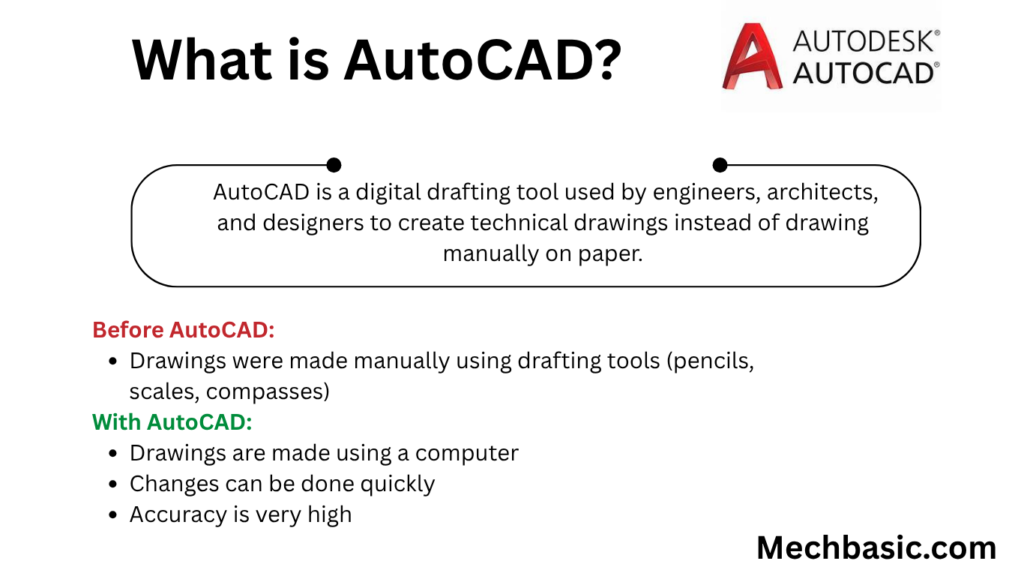
In simple terms: AutoCAD is a digital drafting tool used by engineers, architects, and designers to create technical drawings instead of drawing manually on paper.
Basic Idea of AutoCAD
Before AutoCAD:
- Drawings were made manually using drafting tools (pencils, scales, compasses)
With AutoCAD:
- Drawings are made using a computer
- Changes can be done quickly
- Accuracy is very high
What AutoCAD is Used For
AutoCAD is widely used in many industries:
1. Mechanical Engineering
- Machine parts
- Gear designs
- Assembly drawings
2. Civil Engineering
- Building plans
- Bridges
- Roads
- Layout drawings
3. Architecture
- House plans
- Interior design layouts
- 3D building models
4. Electrical Engineering
- Wiring diagrams
- Circuit layouts
- Control panels
5. Manufacturing Industry
- Product design
- Tool design
- CNC drawings
Features of AutoCAD
1. 2D Drafting
- Lines, circles, arcs, polygons
- Technical drawings
- Engineering layouts
Example:
- Floor plans
- Machine component sketches
2. 3D Modeling
AutoCAD can create 3D objects:
- Solid models
- Surface models
- Wireframe models
Example:
- 3D building models
- Mechanical components
3. Precision Drawing
AutoCAD allows accuracy up to:
- Decimal precision
- Exact coordinates (X, Y, Z)
This is very important for engineering designs.
4. Layer System
Layers help organize drawings.
Example:
- Electrical layer
- Plumbing layer
- Structural layer
Each layer can be edited separately.
5. Editing Tools
Common editing commands:
- Move
- Copy
- Rotate
- Trim
- Extend
- Mirror
- Scale
These make design changes fast and easy.
6. Blocks and Symbols
Reusable components:
- Nuts and bolts
- Electrical symbols
- Doors and windows
Helps save time and maintain consistency.
7. Dimensioning Tools
Used to show measurements:
- Length
- Angle
- Radius
- Diameter
Important for manufacturing and construction.
8. File Sharing
AutoCAD files can be saved and shared in formats like:
- DWG (native format)
- DXF (exchange format)
- PDF (for printing)
Basic AutoCAD Workflow
Step 1: Start Drawing
Open AutoCAD and select workspace (2D or 3D)
Step 2: Draw Geometry
Use commands like:
- LINE
- CIRCLE
- RECTANGLE
Step 3: Modify Drawing
Edit using:
- TRIM
- EXTEND
- MOVE
Step 4: Add Dimensions
Insert measurements for accuracy
Step 5: Save File
Save in DWG format
Advantages of AutoCAD
1. High Accuracy
Exact measurements reduce errors.
2. Time Saving
Faster than manual drafting.
3. Easy Modification
Changes can be made quickly.
4. Better Visualization
3D models help understanding.
5. Easy Storage
Digital files are easy to store and share.
Limitations of AutoCAD
1. Requires Training
Needs practice to use efficiently.
2. Expensive Software
Licenses can be costly.
3. High System Requirements
Needs a good computer for 3D work.
4. Not Fully Automated
Still requires manual design input.
AutoCAD vs Manual Drawing
| Feature | AutoCAD | Manual Drawing |
|---|---|---|
| Accuracy | Very high | Moderate |
| Speed | Fast | Slow |
| Editing | Easy | Difficult |
| Storage | Digital | Paper |
| Reuse | High | Low |
Real-Life Example
Designing a House
Using AutoCAD:
- Create floor plan
- Add doors and windows
- Design electrical layout
- Generate 3D model
- Export drawings for construction
Result:
✔ Faster design
✔ Fewer errors
✔ Better visualization
Industries Using AutoCAD
- Architecture firms
- Automotive industry
- Aerospace companies
- Construction companies
- Manufacturing industries
- Interior design studios
Popular AutoCAD Commands
- LINE → Draw lines
- CIRCLE → Draw circles
- ARC → Draw arcs
- TRIM → Remove extra parts
- EXTEND → Extend lines
- OFFSET → Create parallel lines
- DIM → Add dimensions
Conclusion
AutoCAD is a powerful computer-aided design software used to create precise 2D drawings and 3D models in engineering, architecture, and manufacturing. It improves accuracy, saves time, and allows easy modification compared to manual drafting. AutoCAD is now a fundamental tool in modern design and engineering industries worldwide.
Other courses:





